If you've watched developers light up about Claude Code or OpenAI Codex CLI over the past year, you've probably had the same thought twice: that looks incredibly powerful, and completely not for me.
Claude Code and Codex are real agents. They read a codebase, plan changes, run terminal commands, hit APIs, and iterate until something works. The catch is the surface: a terminal, a repo, and the assumption that you can read a stack trace.
Most people who want an agent that does things aren't engineers. They're marketers running ten campaigns, ops leads gluing five SaaS tools together, founders trying to do everything, researchers chasing a deadline. For them, the right tool isn't a coding CLI. It's an AI agent that knows how to use a browser, hit an inbox, fill out a form, write a doc, and finish a job.
This guide is the non-developer's map to the same agentic wave that produced Claude Code and Codex: the 10 best Claude Code alternatives in 2026 for people who'd rather never see a terminal.
Why a coding CLI isn't the answer if you're not a developer
A short reality check on Claude Code and Codex if you've been tempted to try them:
- They edit code in a git repo. If you don't have one, ninety percent of what they do is irrelevant.
- They run in a terminal. Setup involves API keys, environment variables, and a willingness to debug a failed install.
- They cost tokens, fast. A 30-minute Claude Code session can spend more than a Pro subscription elsewhere.
- They have no built-in connectors. Want Gmail, Notion, Slack, Salesforce? You wire it yourself.
The good news: a parallel generation of agents has shipped for the rest of us. They take a goal in plain English, plan the steps, click through web apps, and report back. Same agent loop. Different surface.
What to look for in a non-developer AI agent
Before the list, the lens we used:
- Plain-English goals. Describe the outcome, not the steps.
- Real-world tool use. Browser, email, docs, CRM, calendar, files.
- Long-running tasks. Research, multi-step workflows, scheduled jobs.
- Trust and oversight. Can you see what the agent did, approve before it sends, undo when it slips?
- Pricing predictability. Subscription credits or a fixed tier, not surprise token bills.
- No-code surface. Chat, web, or a visual builder. Never a terminal.
The 10 best Claude Code alternatives for non-developers
1. Manus: the general-purpose autonomous agent
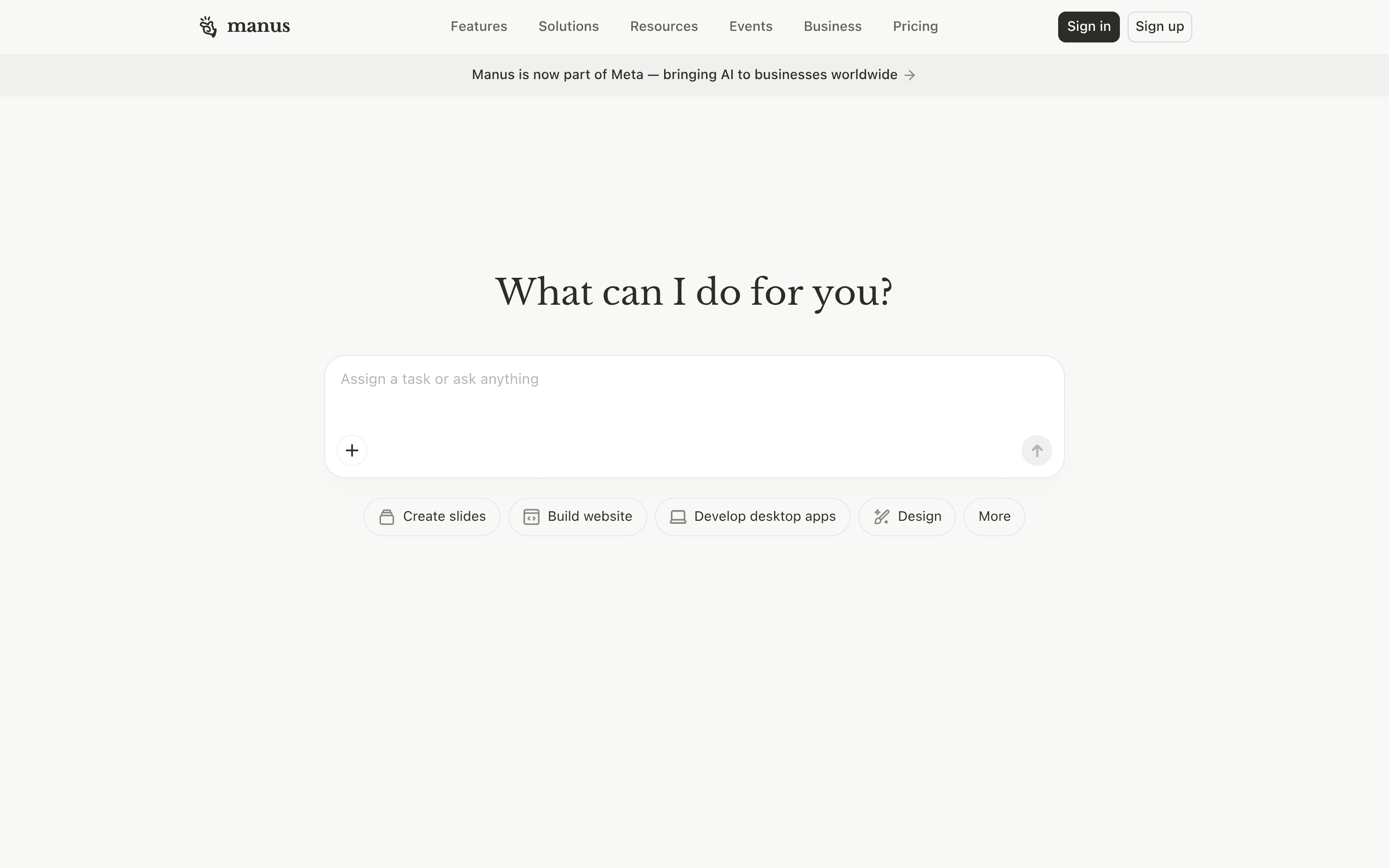
Manus is the breakout non-developer agent of the past year: give it a goal in chat, and it spins up a sandboxed virtual machine, opens a browser, writes scripts, edits files, and delivers a finished artifact (research report, spreadsheet, slide deck, or working prototype).
- Best for: anyone who wants the "Claude Code" feeling on a real task without writing code.
- Strengths: long-horizon autonomy, transparent step-by-step replay, strong on research and document work.
- Weak spots: credit costs add up on long runs; some workflows still need a re-prompt to land.
2. Genspark: Super Agent + Sparkpages
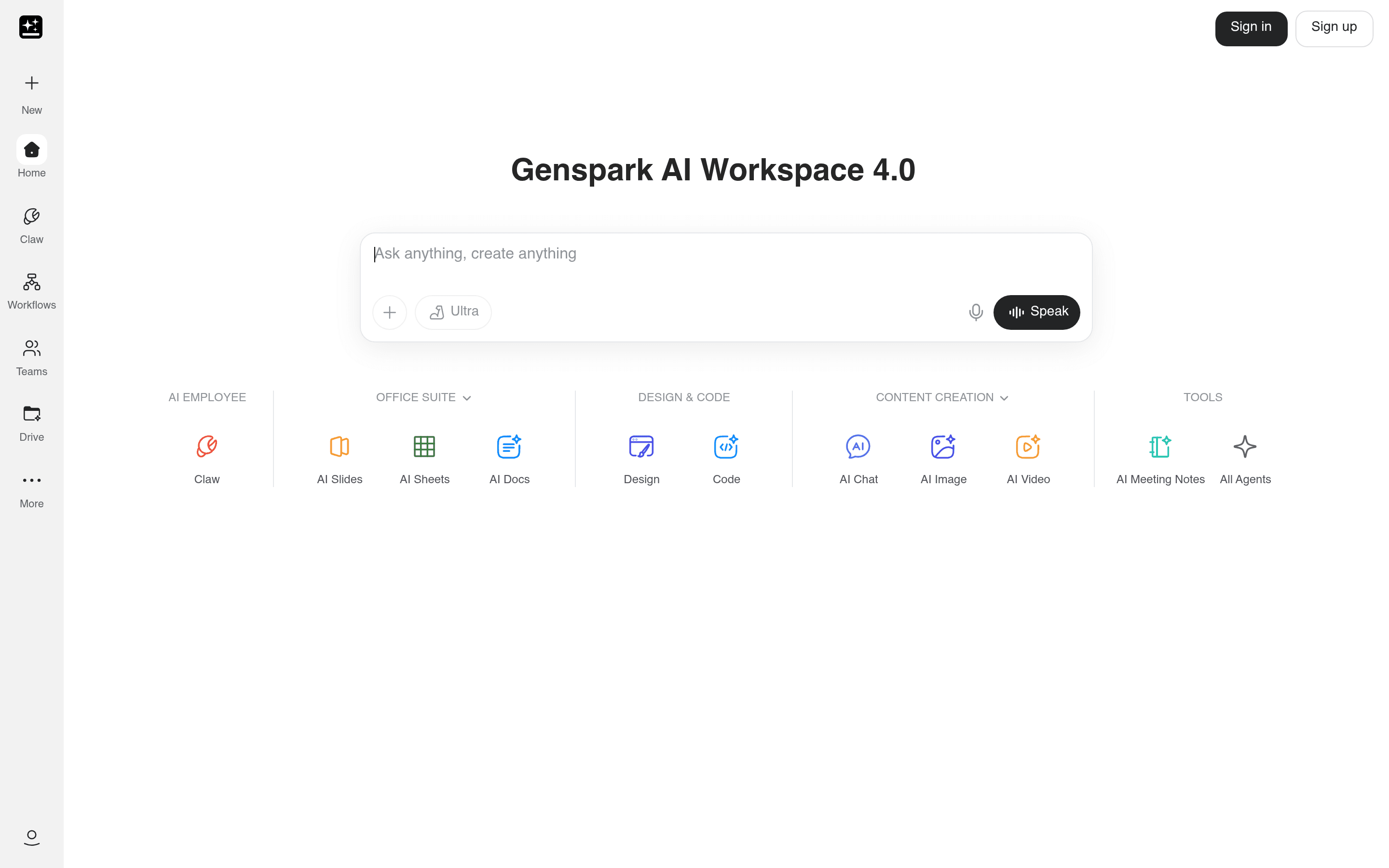
Genspark packages an agent into a search-first product. The Super Agent will plan and execute a multi-step task, the Sparkpages output is genuinely beautiful, and the AI Slides / Sheets modes mean you can finish a deliverable in the same place you started a question.
- Best for: research, content, and quick-turn deliverables that need to look polished.
- Strengths: outputs are presentation-ready, generous free tier, strong on long-form synthesis.
- Weak spots: less integrated with your existing SaaS than workflow tools.
3. ChatGPT Agent: the agent inside the app you already pay for
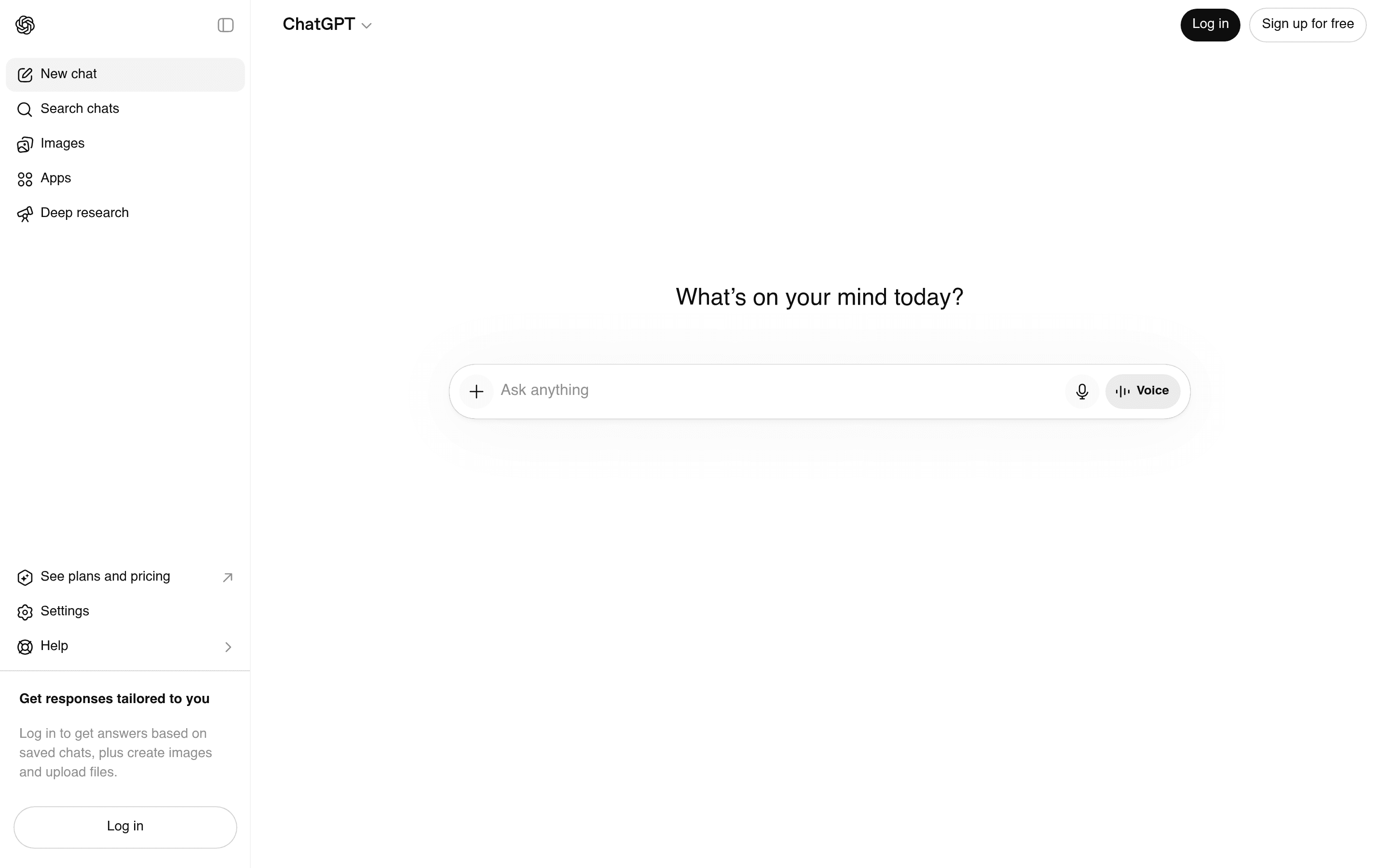
OpenAI's ChatGPT Agent (with the Atlas browser) turns ChatGPT into a doer: book reservations, run multi-tab research, edit a Google Doc, navigate a vendor portal. If you have ChatGPT Plus, you already have it.
- Best for: the 800M people who already live in ChatGPT.
- Strengths: zero onboarding cost, the browser handoff feels native, safer-by-default permissions.
- Weak spots: runs are slower than a focused agent like Manus; some sites push back on automation.
4. Lindy: AI employees for ops and revenue teams
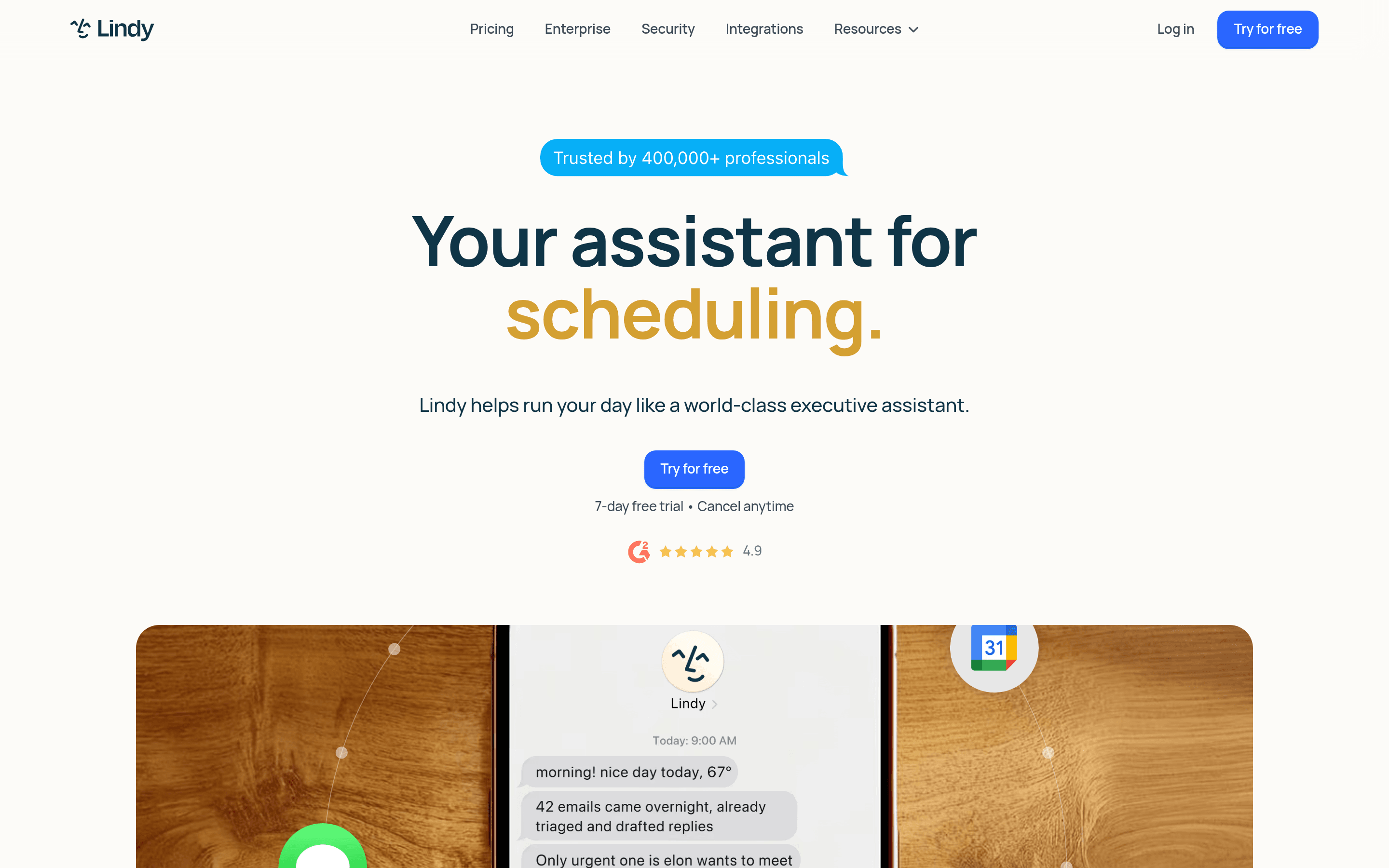
Lindy lets you spin up named "AI employees" (Lindys) that own a job: inbox triage, meeting prep, lead qualification, follow-up. Each one runs on triggers (new email, new HubSpot contact, new calendar invite) and can hand off to a teammate.
- Best for: sales, customer success, and ops teams that want an always-on coworker, not a prompt box.
- Strengths: strong CRM and email integrations, clean handoffs to humans, great templates.
- Weak spots: primarily English; deeper customization needs some logical thinking.
5. Zapier Agents: the automation incumbent goes agentic
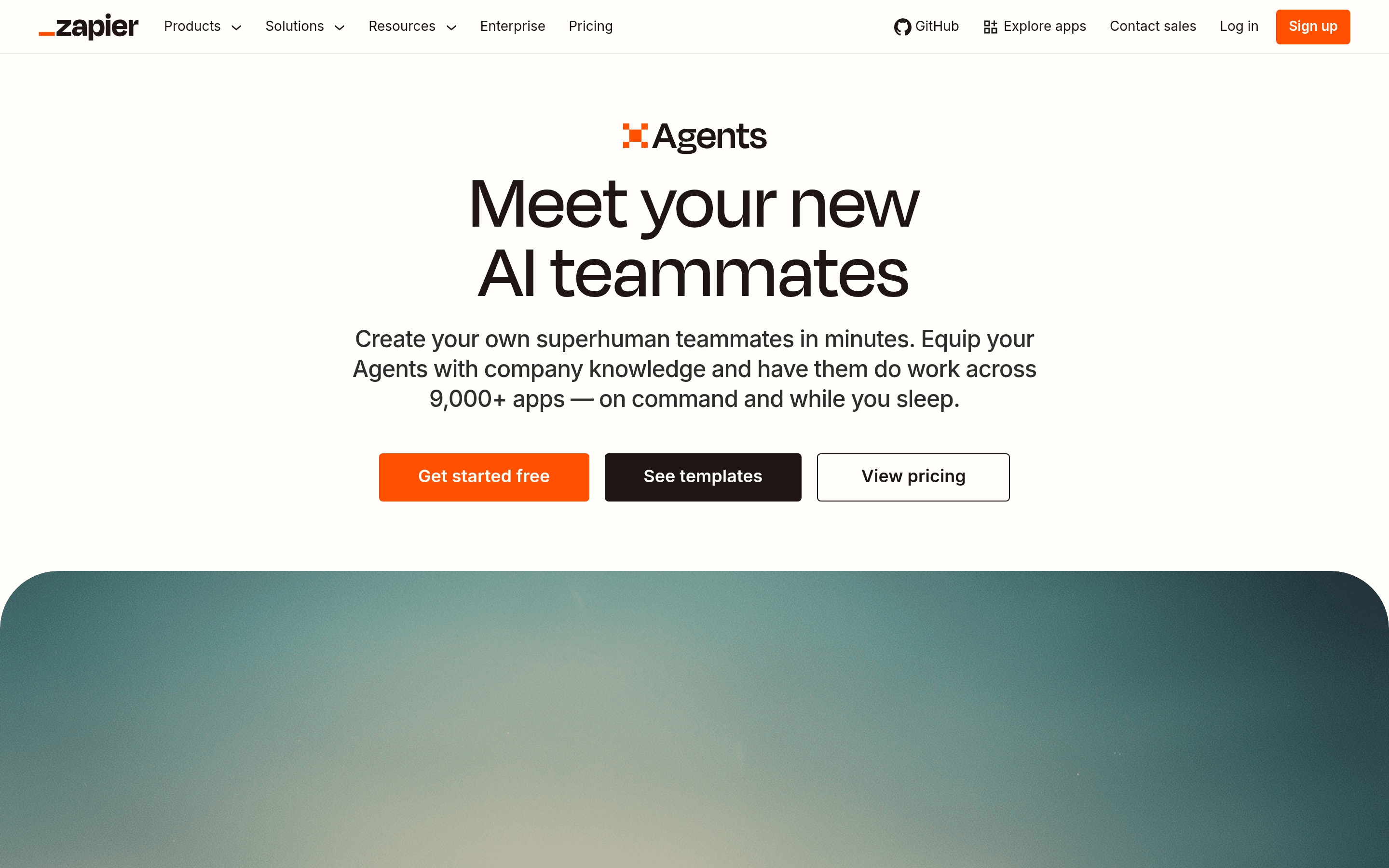
Zapier Agents keeps everything you love about Zapier's 7,000+ connector library and bolts an LLM brain on top. You describe a workflow in plain English, the agent assembles it, and it runs on a schedule or trigger.
- Best for: anyone who already runs work through Zapier.
- Strengths: the largest connector universe in the industry, mature reliability.
- Weak spots: less autonomous than a Manus-style agent; better for repeatable workflows than novel research.
6. Make.com: visual workflow automation with AI nodes
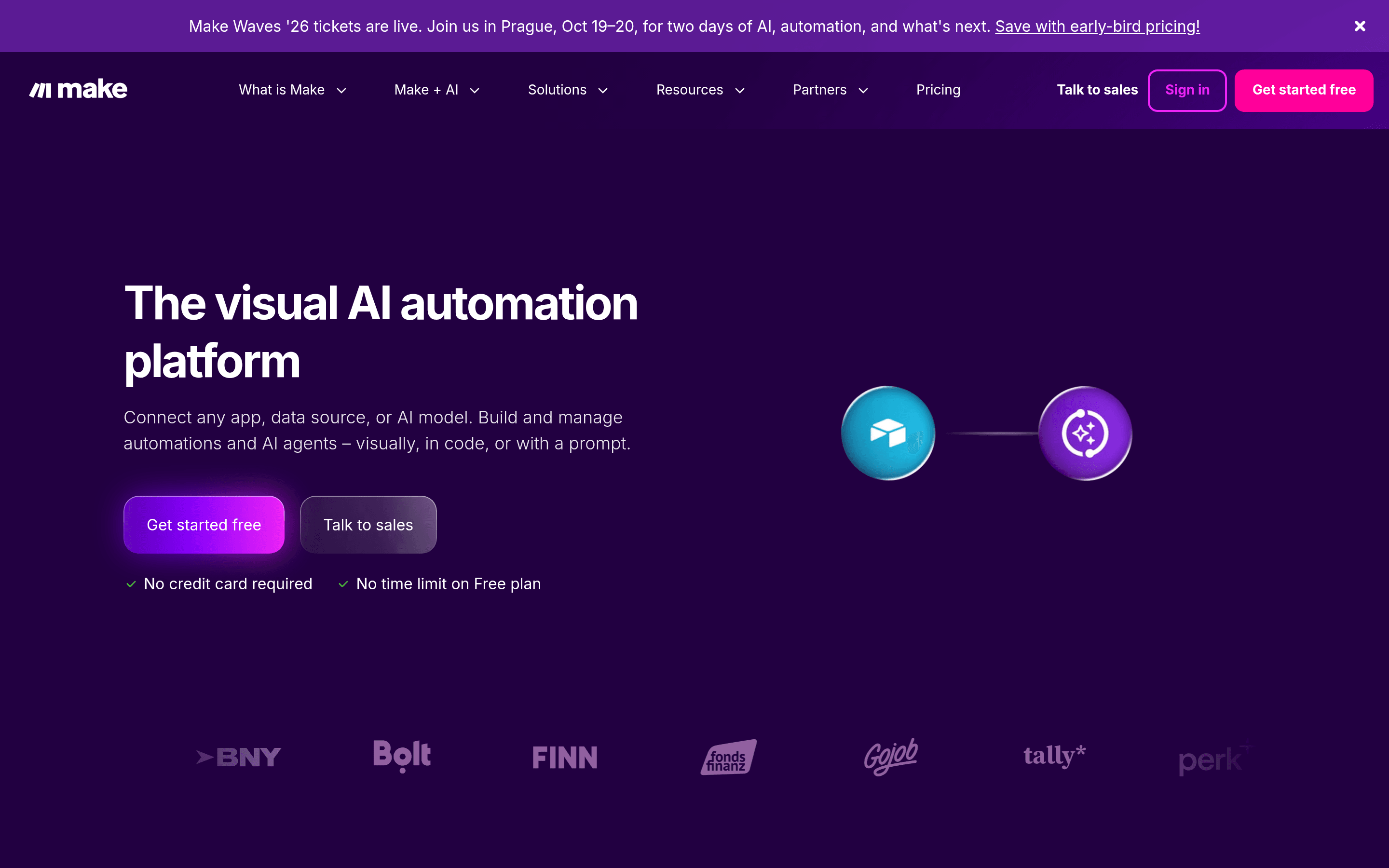
Make is the visual canvas alternative to Zapier: drag scenarios, branch logic, drop in AI nodes for summarization, classification, and generation. The new AI Agents feature adds goal-driven steps inside any scenario.
- Best for: visual thinkers who want to see every step of a workflow.
- Strengths: powerful branching, transparent execution, fair pricing for high-volume tasks.
- Weak spots: the canvas is more involved than chat-first tools; learning curve.
7. Gumloop: the AI workflow builder for non-devs
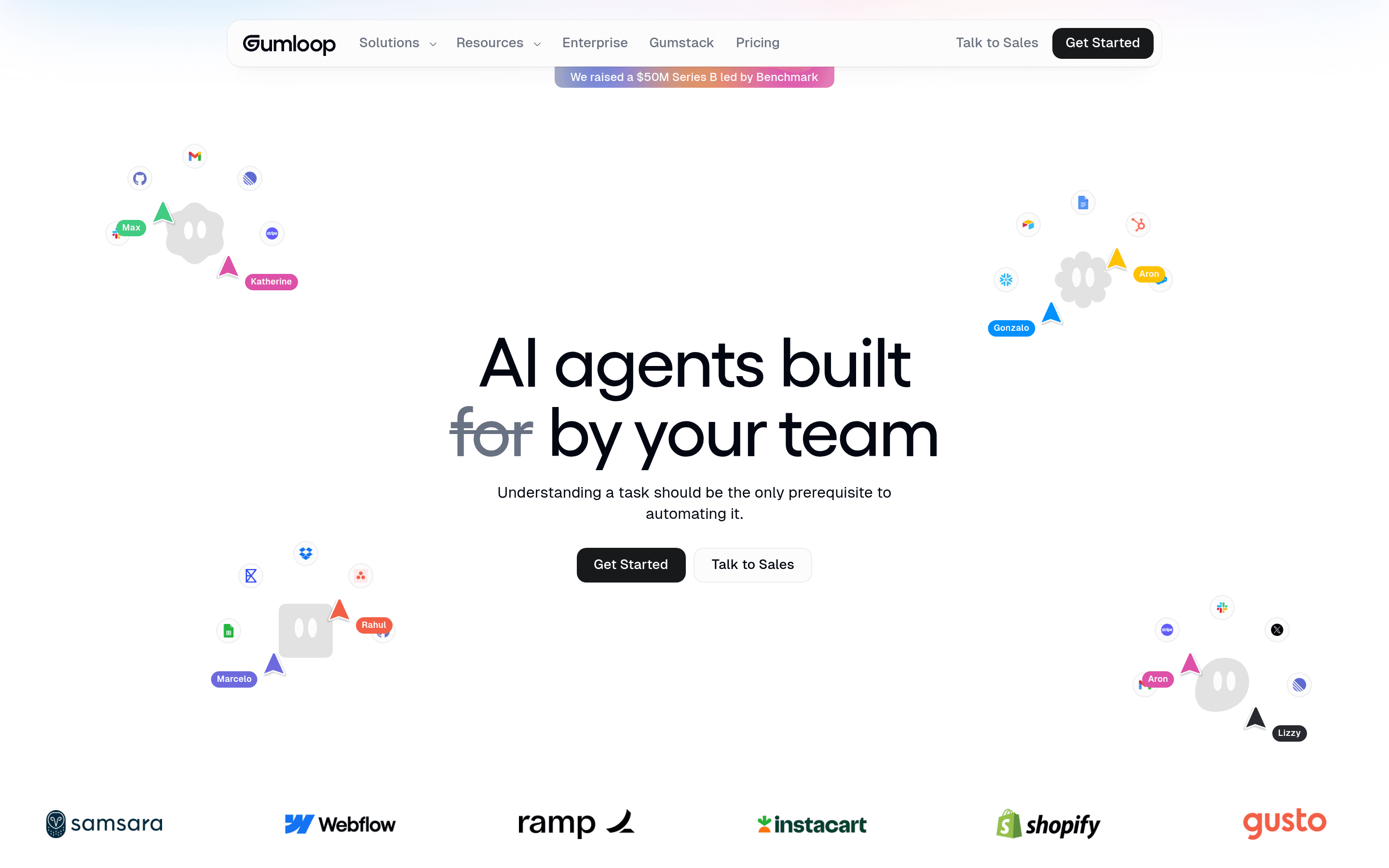
Gumloop is built ground-up for non-developers who want to chain AI calls into real workflows: scraping, enrichment, classification, generation, posting. Lego-block nodes, no code, generous starter tier.
- Best for: marketing, growth, and research teams running structured AI-heavy workflows.
- Strengths: clean UX, AI-native node library, strong template gallery.
- Weak spots: smaller connector library than Zapier or Make.
8. Relevance AI: building a small AI workforce
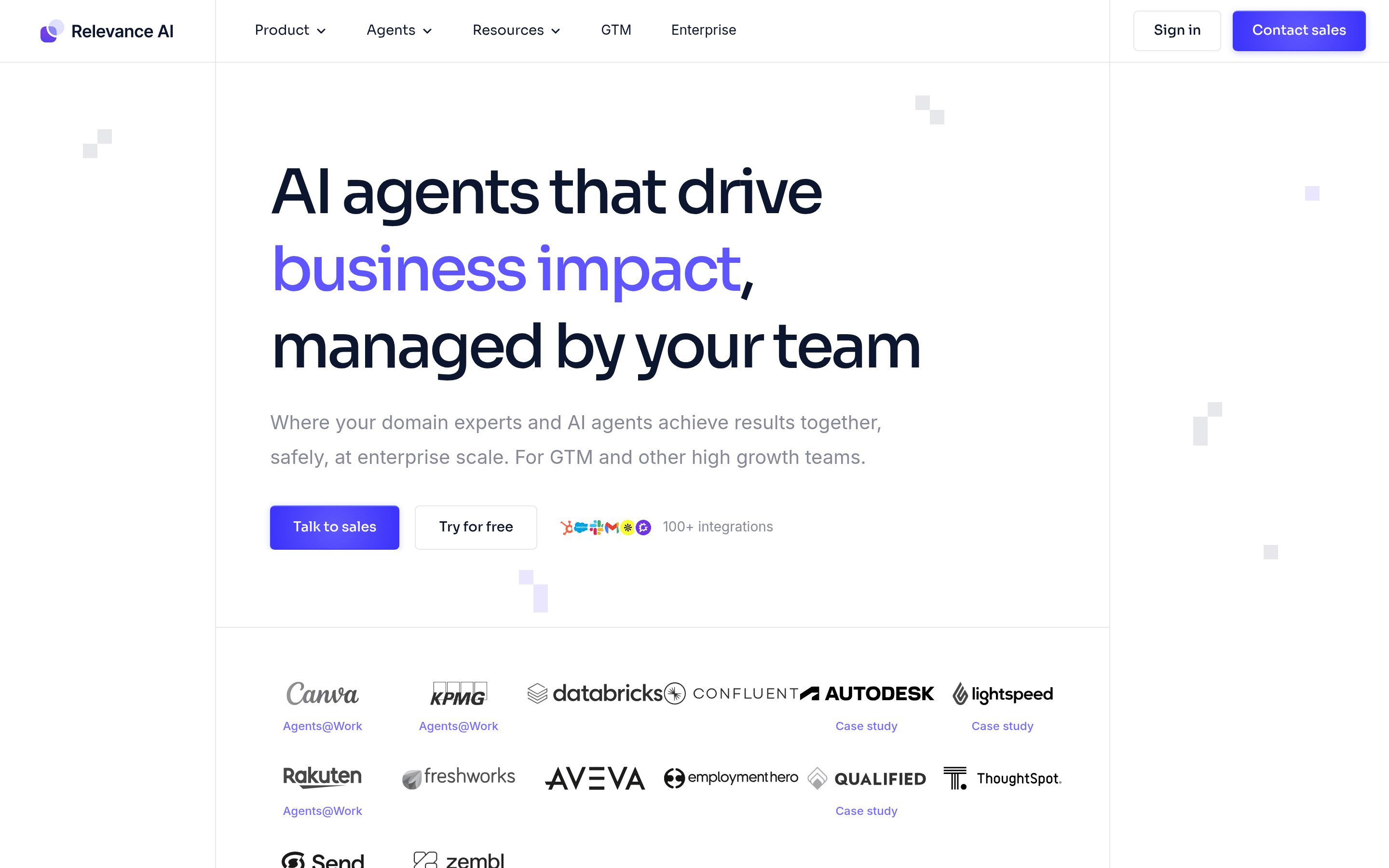
Relevance AI lets you compose agents from a "Tools + Knowledge + Subagents" model. The pitch is an AI workforce: a recruiter agent, a BDR agent, an analyst agent, all talking to each other, all reporting to you.
- Best for: teams ready to operationalize multiple agents, not just one.
- Strengths: multi-agent orchestration, role templates, decent observability.
- Weak spots: more setup than a single-purpose tool; pricing rewards heavier usage.
9. Bardeen: browser-native automation that watches what you do
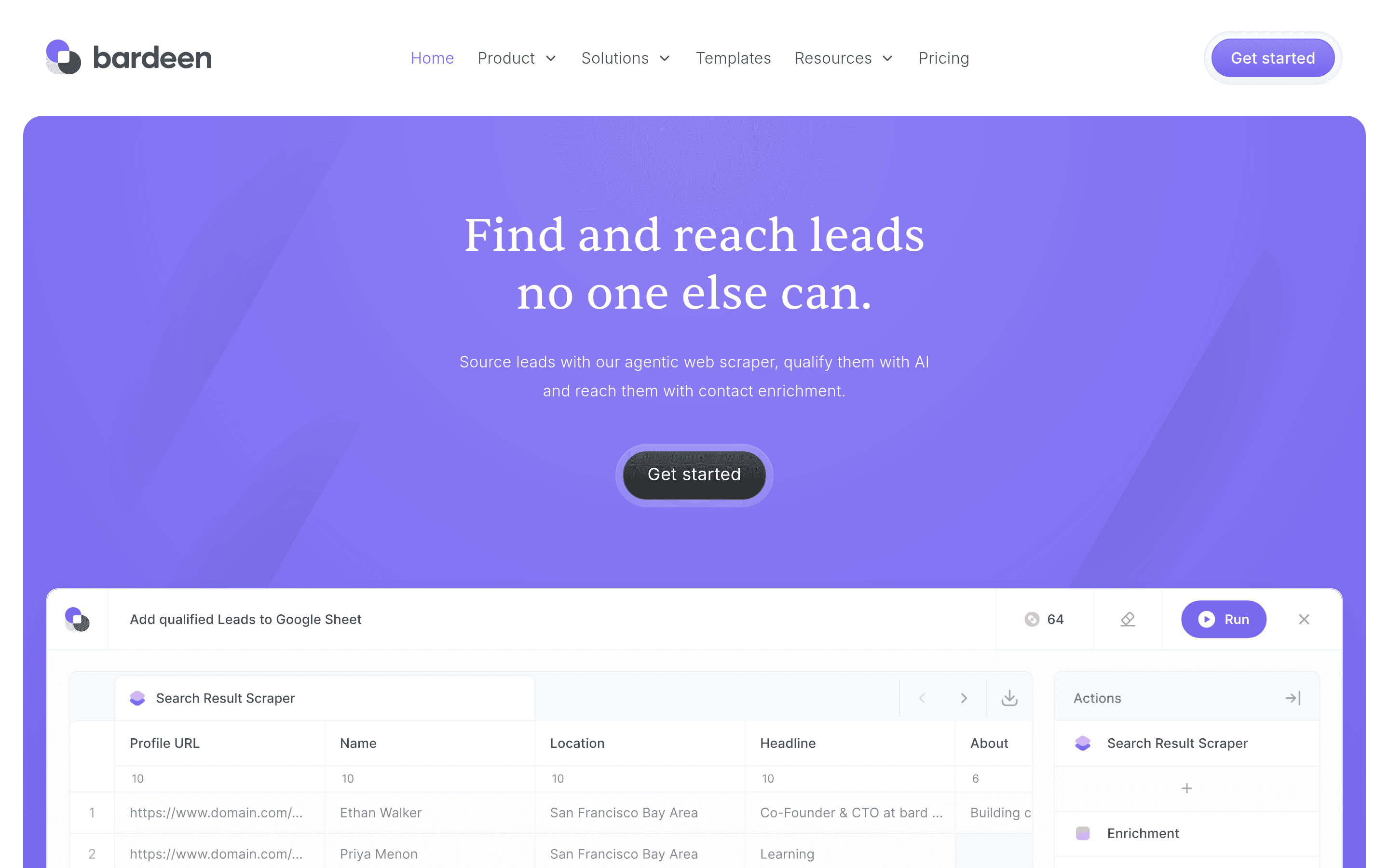
Bardeen is the browser extension agent: record what you do once, and it builds an automation. Great for repetitive web work like scraping LinkedIn into a CRM, enriching a list, or posting cross-channel.
- Best for: lightweight browser-side tasks that don't justify a full workflow tool.
- Strengths: zero-setup recorder, intuitive browser metaphor, fair free tier.
- Weak spots: browser-only scope; less suited to long-running server-side jobs.
10. Zero by VM0: the simple, multi-session AI teammate
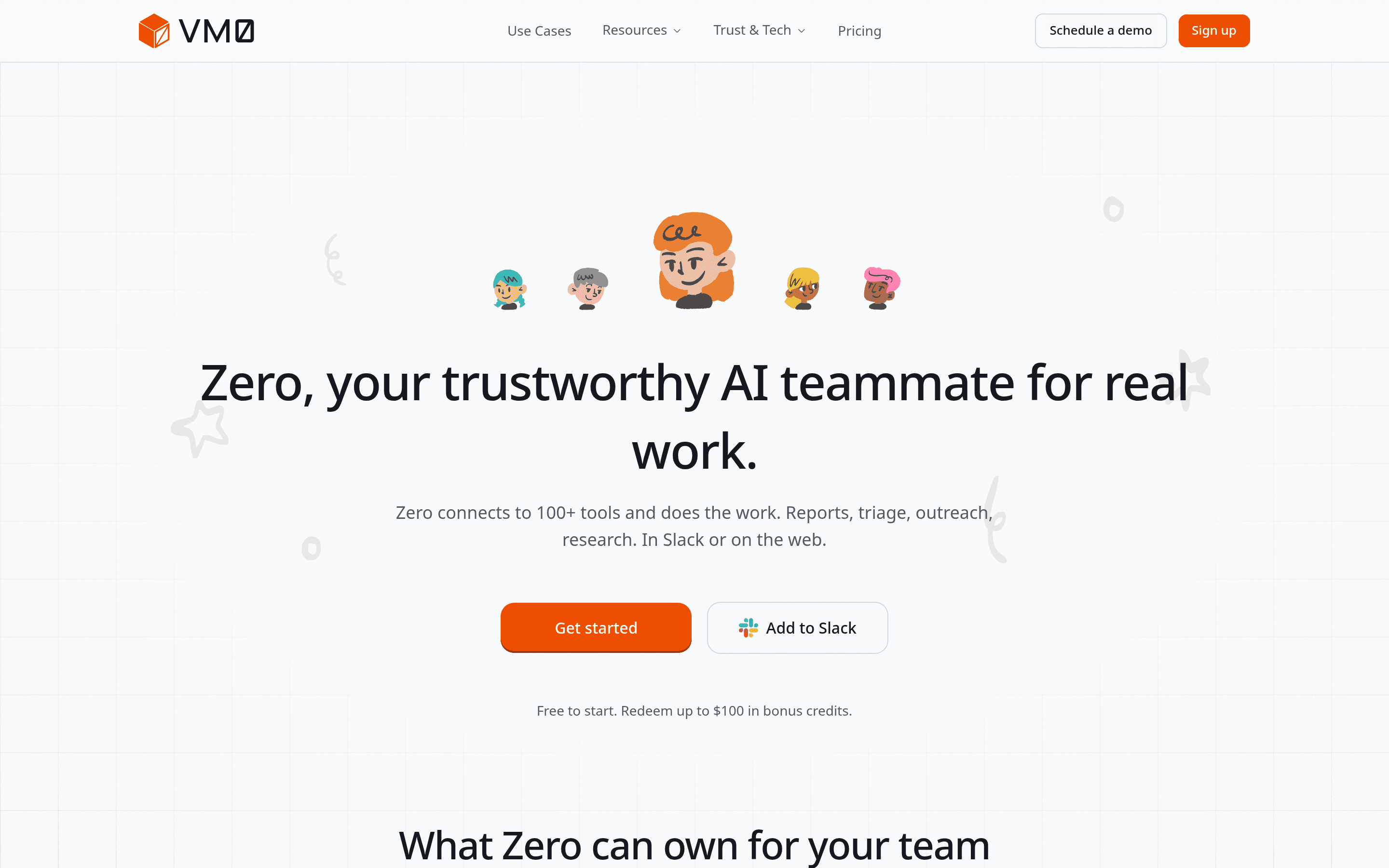
Zero, built by VM0, takes a different bet from most of the entries on this list: it's framed as a teammate, and the design pitch is simple and easy to use. The headline workflow is multi-session. Kick off many parallel agents at once, each one given a goal in plain English, all working in the background and reporting back. Zero connects to 100+ apps to actually do the work: reports, triage, outreach, research, scheduled monitoring. It remembers context across sessions, spins up specialized sub-agents, and lives where your team already does, inside Slack or on the web.
- Best for: founders, sales, marketing, ops, support, and engineering leads who want an autonomous coworker that's easy to start with and can run a dozen tasks in parallel.
- Strengths: dead-simple UX (no canvas, no nodes), multi-session by default, 100+ integrations, persistent memory across sessions, sub-agents for specialized roles, scheduled autonomous tasks, BYOK so you control model spend.
- Weak spots: newer brand than the incumbents above.
Side-by-side: which agent fits which job
| Tool | Surface | Best workload | Pricing model |
|---|---|---|---|
| Manus | Web chat + VM | Long-horizon research / build | Credits |
| Genspark | Web | Content + research deliverables | Free + Pro |
| ChatGPT Agent | Inside ChatGPT | Everyday browse + do | Bundled with ChatGPT |
| Lindy | Web + triggers | Ops, sales, inbox jobs | Seat + credits |
| Zapier Agents | Web + triggers | Cross-app workflows | Tasks / month |
| Make.com | Visual canvas | Branching workflows | Operations / month |
| Gumloop | Visual canvas | AI-heavy structured workflows | Credits |
| Relevance AI | Web | Multi-agent teams | Credits |
| Bardeen | Browser ext. | Browser-side repetitive work | Credits |
| Zero by VM0 | Slack + web | Simple, multi-session AI teammate | Credits + BYOK |
How to pick: a short decision tree
- You just want to give one goal and walk away? → Manus or Genspark.
- You already live in ChatGPT? → ChatGPT Agent first, before paying for anything else.
- You run a team inbox or CRM? → Lindy.
- You already automate with Zapier or Make? → Add their AI agent layer before switching tools.
- You want a visual canvas full of AI nodes? → Gumloop or Make.
- You need multiple agents working together? → Relevance AI.
- Your work is mostly in the browser? → Bardeen.
- You want the simplest way to run many AI agents in parallel? → Zero by VM0.
Claude Code & OpenAI Codex: when they actually do fit a non-developer
A fair note: a small number of non-developers do get value from Claude Code or Codex CLI. If you're a no-code builder, a designer who tweaks HTML/CSS, or a power-user who's comfortable with a terminal, the agent loop in those tools is unmatched. Just know what you're signing up for: a repo, an API key, and a learning curve.
Worth flagging: both Claude Code and Codex began life as terminal-only coding agents. Recent desktop releases (the Claude Code GUI, Codex for macOS and Windows) lowered the install barrier enough that curious non-developers can fire them up without ever touching a CLI. That's why you'll spot a few marketers and ops folks in the wild trying them. But the product experience still assumes a developer's worldview: project folders, file diffs, terminal output piped into the chat, mental models that map cleanly to a repo and not at all to a campaign or a customer pipeline. The shell got friendlier; the workflow didn't. Most non-developers bounce within a session or two.
For everyone else, the ten tools above hit the same goal with the right surface: chat, browser, or visual canvas.
FAQ
What is the best AI agent for non-developers? For most non-developer use cases, Manus, Genspark, and ChatGPT Agent are the strongest starting points. Lindy and Zapier Agents lead if your work runs through email, CRM, or other SaaS. Zero by VM0 is the pick if you want the simplest way to run many AI agents in parallel from Slack or the web.
Are there free AI agents I can try? Yes. Genspark, ChatGPT (Free), Bardeen, Gumloop, and Manus all have free tiers. Most workflow tools (Zapier, Make) include free monthly task budgets.
What's the difference between an AI agent and an AI automation tool? An AI automation tool follows a predefined workflow with AI steps inside. An AI agent decides the steps itself based on a goal. The tools above span both ends: Zapier and Make sit on the automation side; Manus, Genspark, ChatGPT Agent, and Zero on the agent side.
Is Manus or Genspark better? Manus tends to win on long, ambiguous, multi-step tasks where autonomy matters. Genspark wins on research and deliverables you'll show someone, like slides, pages, and structured reports. Many teams run both.
Can I replace Claude Code or Codex with a non-developer tool? Only if your work doesn't involve editing a real codebase. If it does, Claude Code and Codex remain the better choices. If it doesn't, and for most non-developers it doesn't, the agents above are a much better fit.
Final take
Claude Code and OpenAI Codex are the loudest agents in the room, but they're built for one job: editing code. The agentic wave underneath is broader than that. If your work is research, ops, content, sales, support, or anything else that lives in a browser instead of a repo, one of the ten tools above is your real "Claude Code alternative." Pick the two closest to your daily workflow, run them on the same real task this week, and let the diff decide.