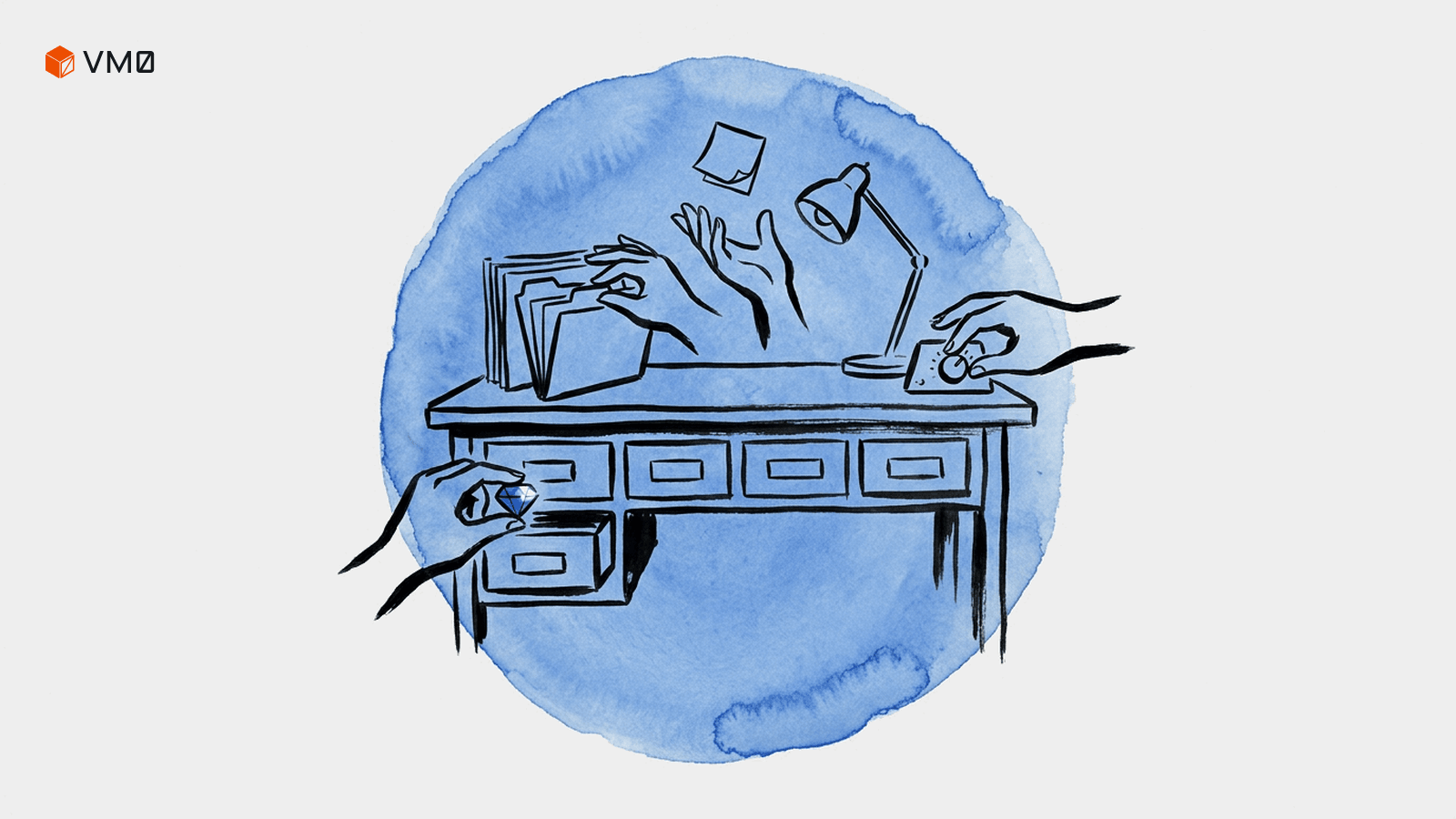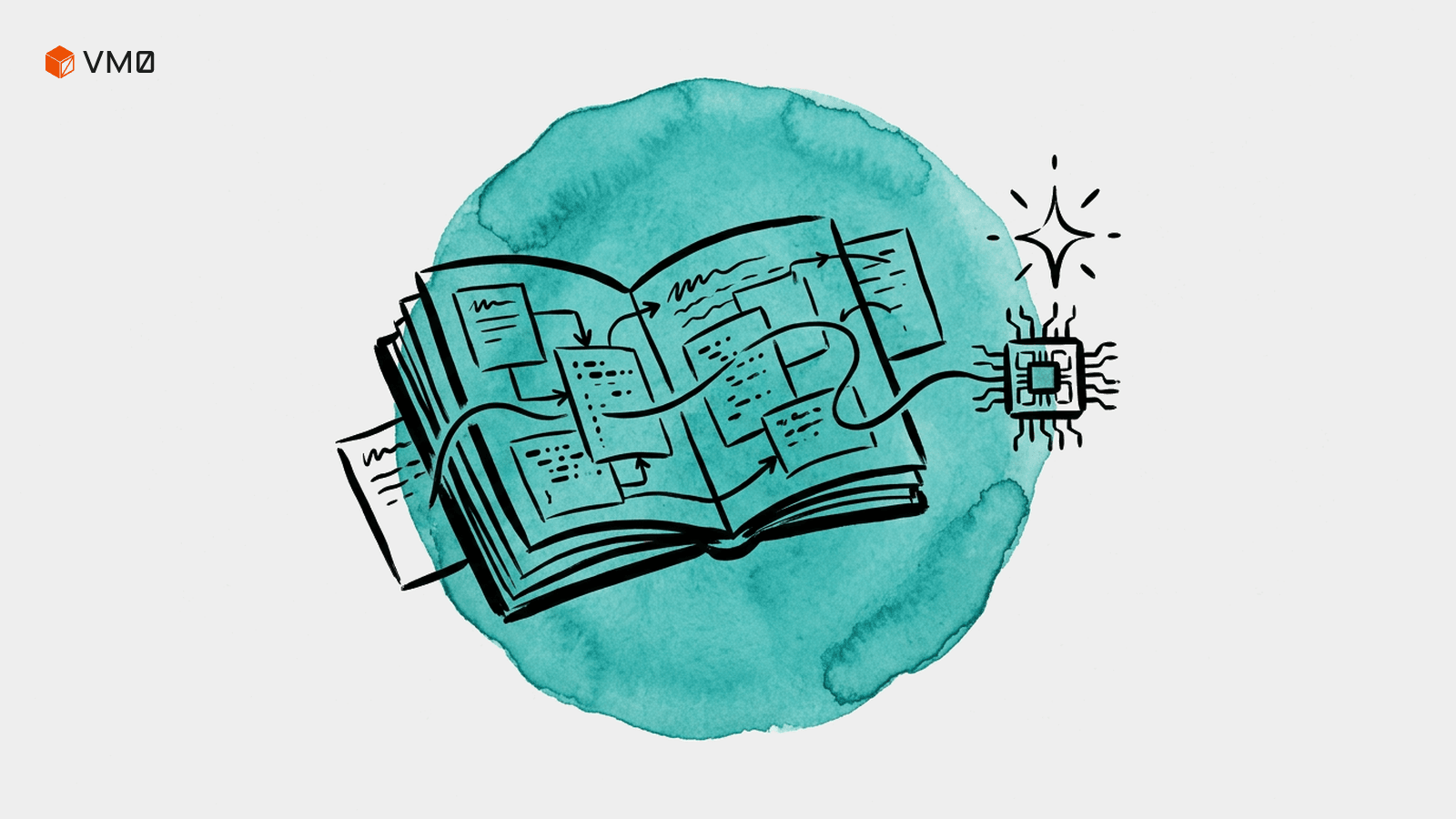
Templates are now live in Zero for presentations, videos, and illustrations.
They give AI tool users a faster way to move from prompt to polished output. Start with a template, remix it for your project, and let Zero bring the structure, style, and first draft together in one workflow.
This is not about replacing open-ended prompting. Starting from a blank prompt is still great when you want to explore freely, discover a direction, or ask Zero to think with you from first principles. Templates add another mode: a faster path when you already know the kind of asset you want to create.
For teams, that matters. A shared template gives everyone a clearer starting point, whether they are creating a launch deck, a product video, or a blog illustration. The result is faster output, more consistent quality, and creative work that is easier to repeat.
A faster starting point for creative work
Templates give Zero useful context before generation begins.
For a presentation, the template can provide the structure of the deck. For a video, it can define the motion style, pacing, and format. For an illustration, it can anchor the visual language so the output feels intentional from the first draft.
That context helps Zero produce stronger first passes:
- A presentation can begin with a clearer story arc.
- A video can begin with a stronger visual direction.
- An illustration can begin from a recognizable style.
You still control the subject, audience, message, and constraints. The template simply gives the work a stronger frame.
That makes templates especially useful for recurring work. When a team already knows the asset type, the audience, and the goal, a template helps everyone get to the useful part faster: reviewing the idea, improving the message, and deciding what is ready to ship.
Presentation templates: turn ideas into decks
Presentation generation is most useful when the first draft already has a narrative shape.
A strong deck needs sequencing. It needs a beginning that frames the topic, a middle that builds the argument, and an ending that gives the audience a clear next step. It also needs enough visual structure that the draft feels ready to edit, not just outline.
The new presentation gallery helps you start from that shape.
Use presentation templates for:
- Product updates
- Strategy reviews
- Customer briefings
- Campaign plans
- Internal proposals
- Research summaries
- Investor or leadership updates
The workflow is simple: choose a template, remix the prompt, add your context, and let Zero generate the deck. You can begin with a short request and still get a first version with a clearer narrative, better pacing, and a more polished structure.
Instead of describing the full deck format every time, you can start from the kind of presentation you actually need.
Video templates: explore motion faster
Video templates make it easier to turn an idea into motion.
A useful video brief often includes a shot type, camera movement, subject action, mood, timing, and delivery format. A launch teaser, a product reveal, and a vertical social clip each benefit from a different creative starting point.
The new video gallery gives Zero that starting point.
Use video templates for:
- Product announcements
- Feature explainers
- Social clips
- Launch teasers
- Campaign concepts
- Brand mood exploration
- Early creative direction before a final render
The practical benefit is faster exploration. You can try several styles, compare the mood and motion, keep the strongest candidate, and move the team toward a decision faster.
That makes video generation a more natural part of the creative workflow. Start with a format, adapt the prompt, and use Zero to turn the idea into something the team can review.
Illustration templates: keep visual work consistent
Illustration templates help teams create visual assets with a more consistent style.
That is useful across blog posts, landing pages, product screens, campaign materials, and internal storytelling. When the style is already defined, each new illustration can focus more on the subject and message.
The illustration gallery gives teams a repeatable way to create visual assets.
Use illustration templates for:
- Blog covers
- Landing page visuals
- Product explainers
- Empty states
- Social graphics
- Campaign artwork
- Internal storytelling
- Concept visuals for decks and reports
Each illustration style gives Zero a clearer visual language to work from. You can change the subject, metaphor, or page context while keeping the overall look more coherent.
That is especially useful for teams that need many visuals across different surfaces and want them to feel connected.
What teams gain from templates
For individual users, templates help turn an idea into a usable first draft faster. For teams, they create shared creative defaults.
A marketer can start from the same launch deck structure every time a new feature ships. A founder can use a repeatable format for investor updates. A product team can create release visuals with a familiar style. A content team can keep blog covers more consistent across topics.
Templates help teams:
- Move faster from idea to draft
- Reuse strong prompt patterns
- Keep outputs more consistent across teammates
- Give non-specialists a stronger starting point
- Explore more directions before committing
- Turn recurring creative work into a repeatable workflow
This is where templates become especially valuable. They make the best starting points easier to share, reuse, and improve over time.
How to try the new templates
Start with the gallery that matches the asset you want to create.
For a deck, open the presentation gallery and describe the topic, audience, and desired outcome.
For a video, choose a style that matches the motion and mood you want, then remix the prompt with your product, scene, or campaign concept.
For an illustration, pick a visual style from the illustration gallery, then describe the subject, metaphor, or page context where the asset will appear.
A useful prompt usually includes:
- The asset type
- The audience
- The topic or message
- The format or use case
- The style direction
- Any constraints Zero should respect
For example:
Create a short product launch deck for a new template gallery in Zero. The audience is AI tool users and startup operators. Keep it concise, visual, and practical. Emphasize how templates help teams move from prompt to polished creative assets faster.
Or:
Generate a 6-second product video concept for Zero's new templates. Make it feel fast, polished, and useful for a launch announcement. Show the idea of starting from a reusable creative format.
Or:
Create a blog cover illustration for a post about creative templates in Zero. Use a polished editorial style, show presentation slides, video frames, and illustration plates coming together into one workspace.
The clearer the prompt, the easier it is for Zero to generate something useful on the first pass.
The practical takeaway
Templates give Zero a better creative starting point when you already know what you want to make.
Presentation templates help you structure the story. Video templates help you explore motion. Illustration templates help you keep visual work consistent. Together, they make Zero more useful for the creative work teams repeat every week.
Start in the presentation, video, or illustration gallery, choose the closest template, and remix the prompt for your next project.