This week we shipped five features to everyone, and they all pull in the same direction: giving Zero more reach — across your computer, the tools you connect, and the work you produce. Here's the tour.
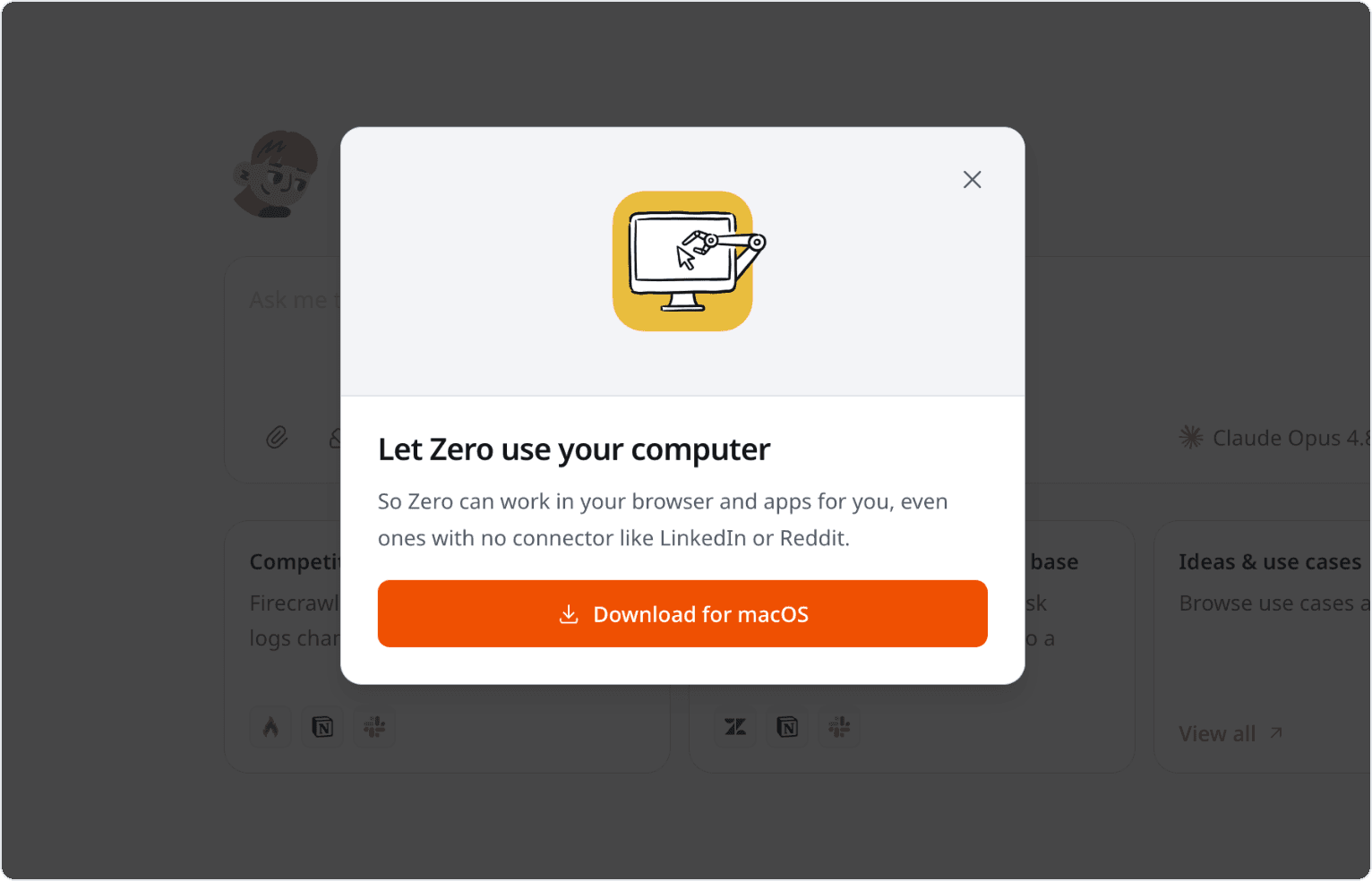
Computer Use is now on by default
You no longer need anything special to let Zero work inside a desktop app. Computer Use is enabled for everyone by default, so Zero can open and operate your connected desktop apps — Slack, a browser, Notion, Finder, and more — to handle the tasks that only live in a graphical interface.
The security boundary hasn't changed. Zero only gets desktop access for a run when you've granted a Computer Use host for that chat, and that access stays scoped to the grant you gave it.
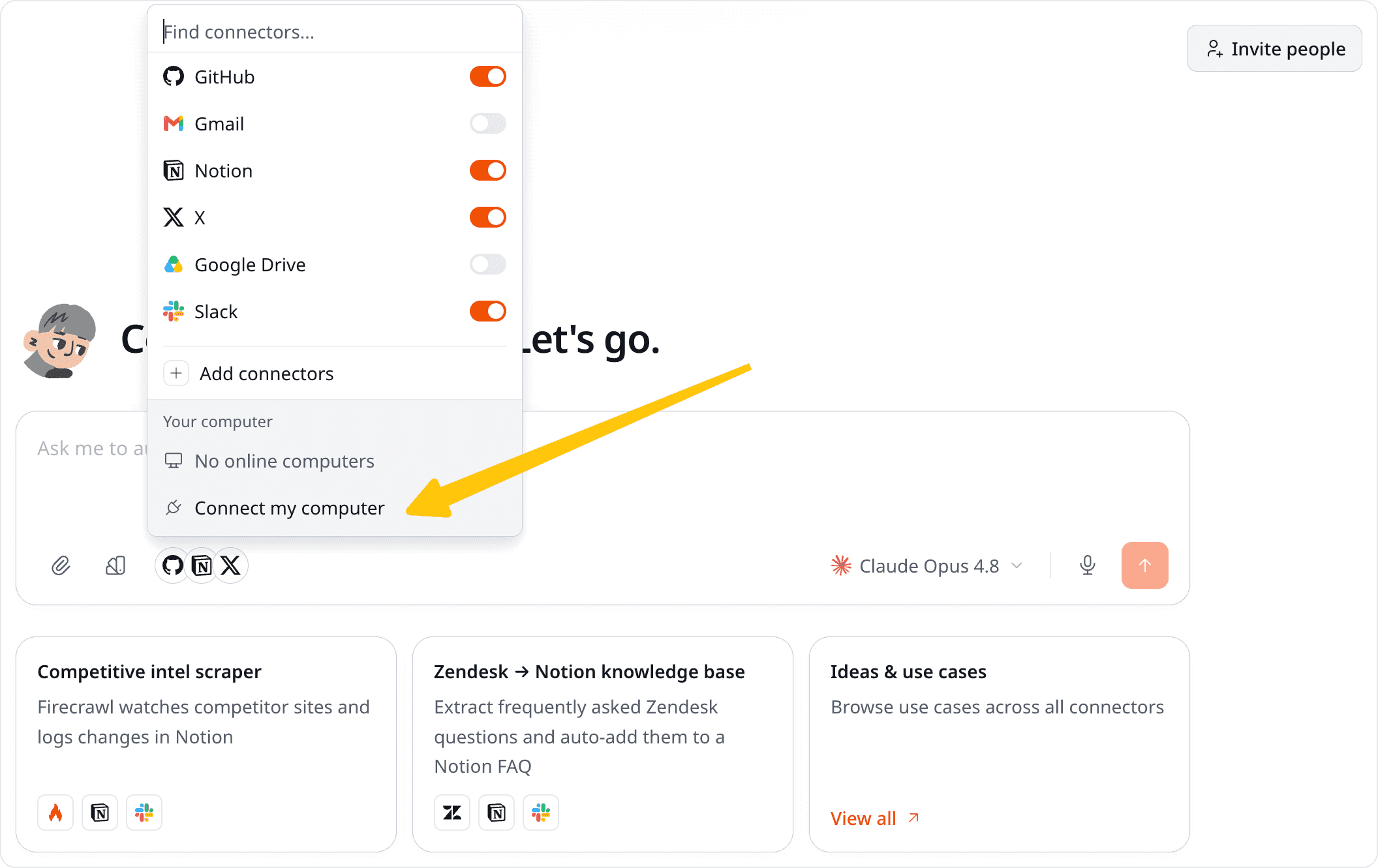
The Meta Ads connector is generally available
Meta Ads is now a standard, generally available connector. Connect your account with OAuth and Zero can pull campaign, ad set, and performance data to report on your spend and help you optimize it — no flag and no waitlist.
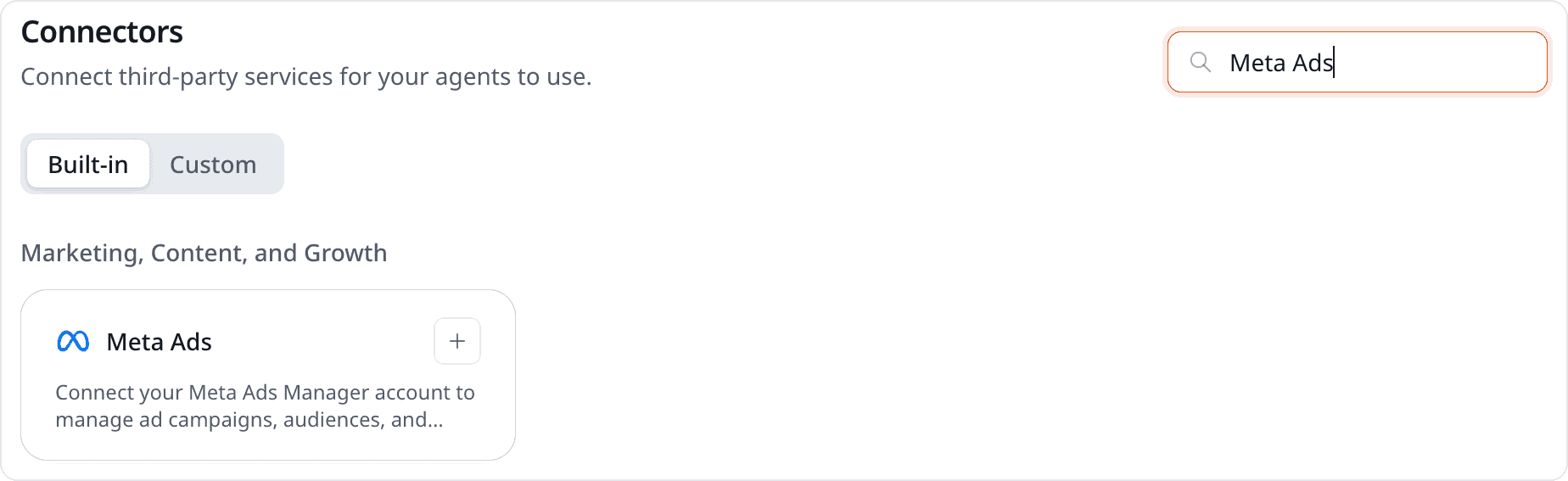
Export presentations to PowerPoint
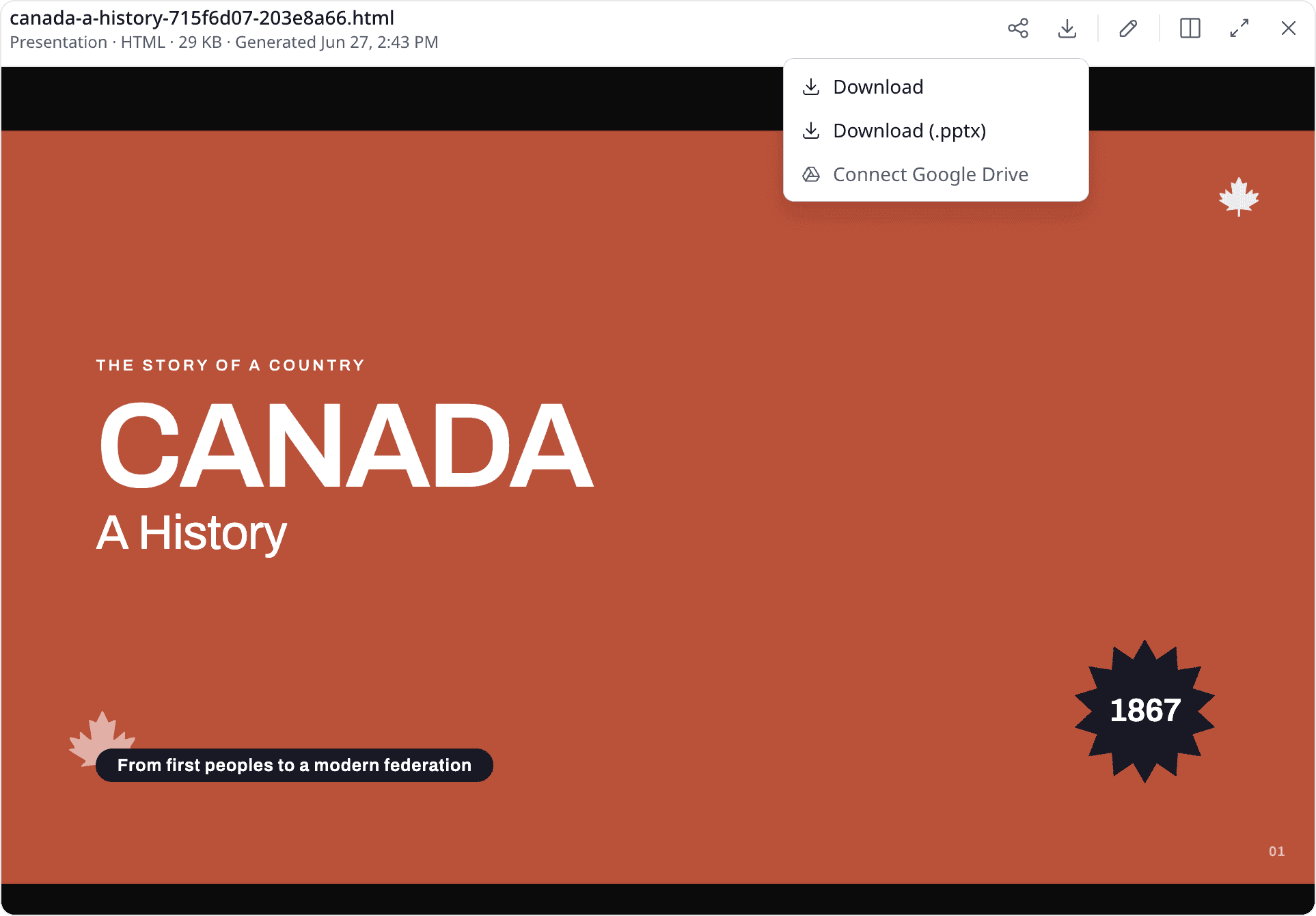
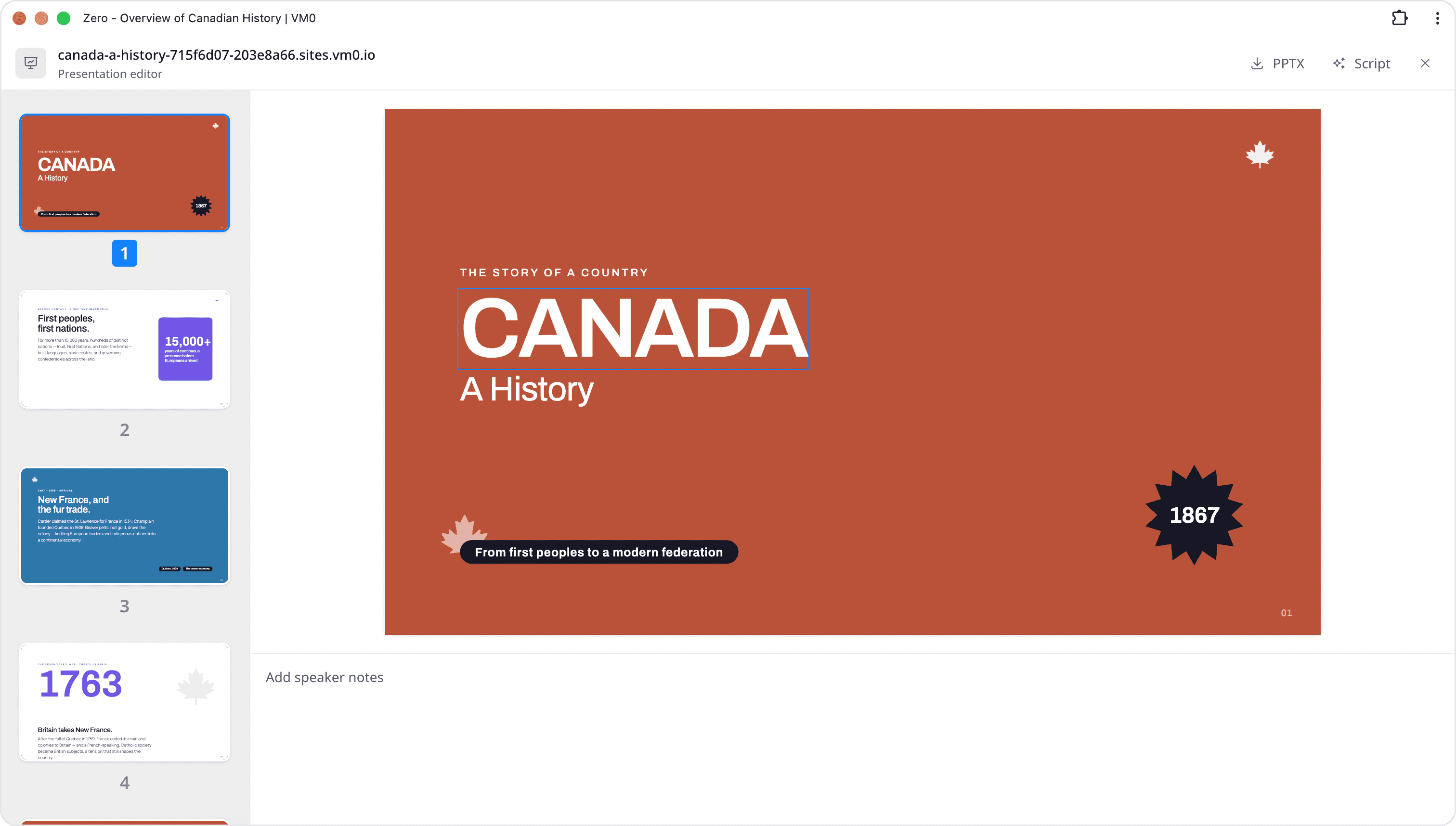
Any presentation Zero builds can now be downloaded as a native PowerPoint (.pptx) file, not just viewed in the browser. Generate a deck in chat, then export it to PowerPoint to finish, brand, or present it wherever you like — including Google Slides and Keynote.
Start from a template in the composer
The chat composer now has template pickers. Pick a starting template for a new chat, a presentation, or a video right where you type, so you begin from a structured starting point instead of a blank prompt.
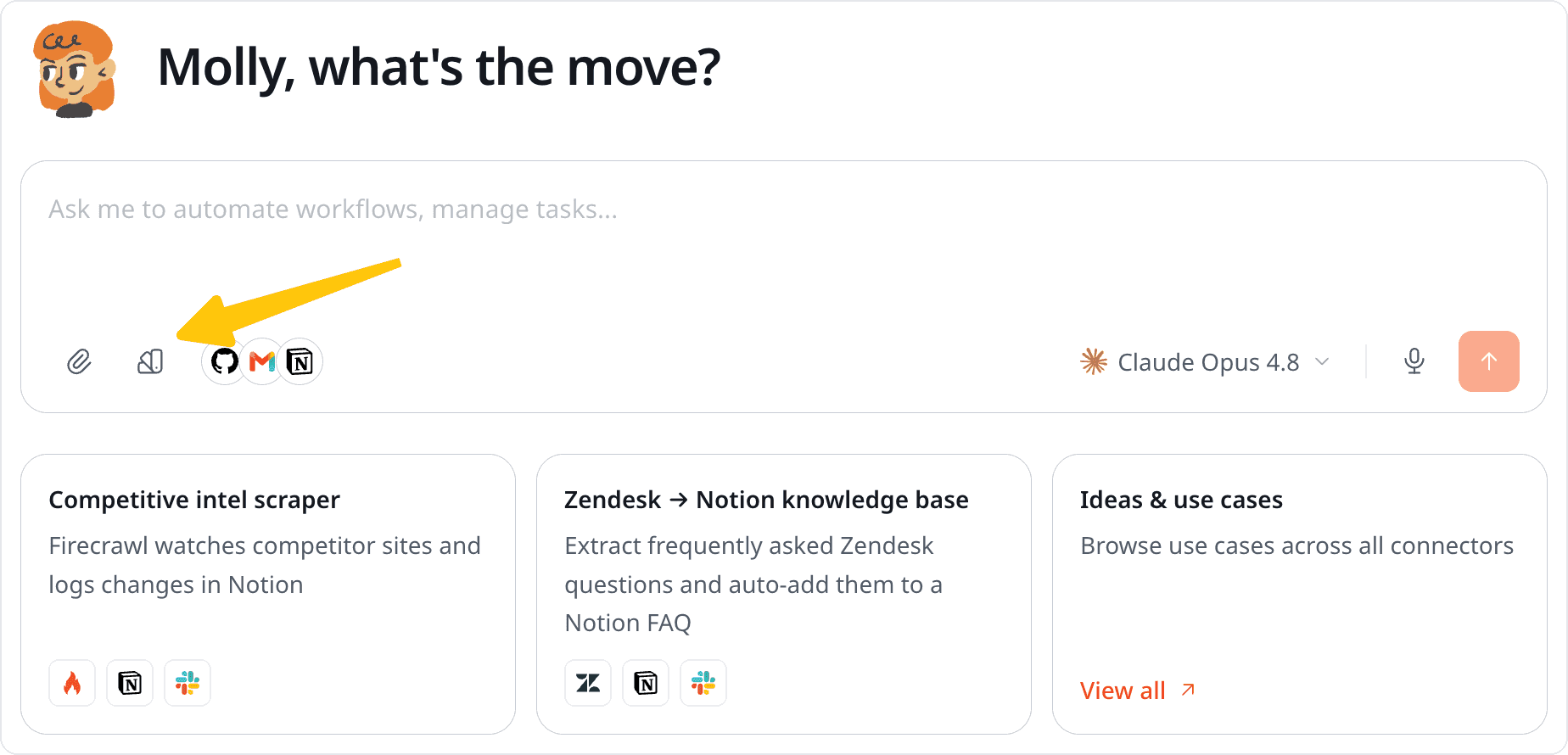
Chat runs now fold into tidy groups
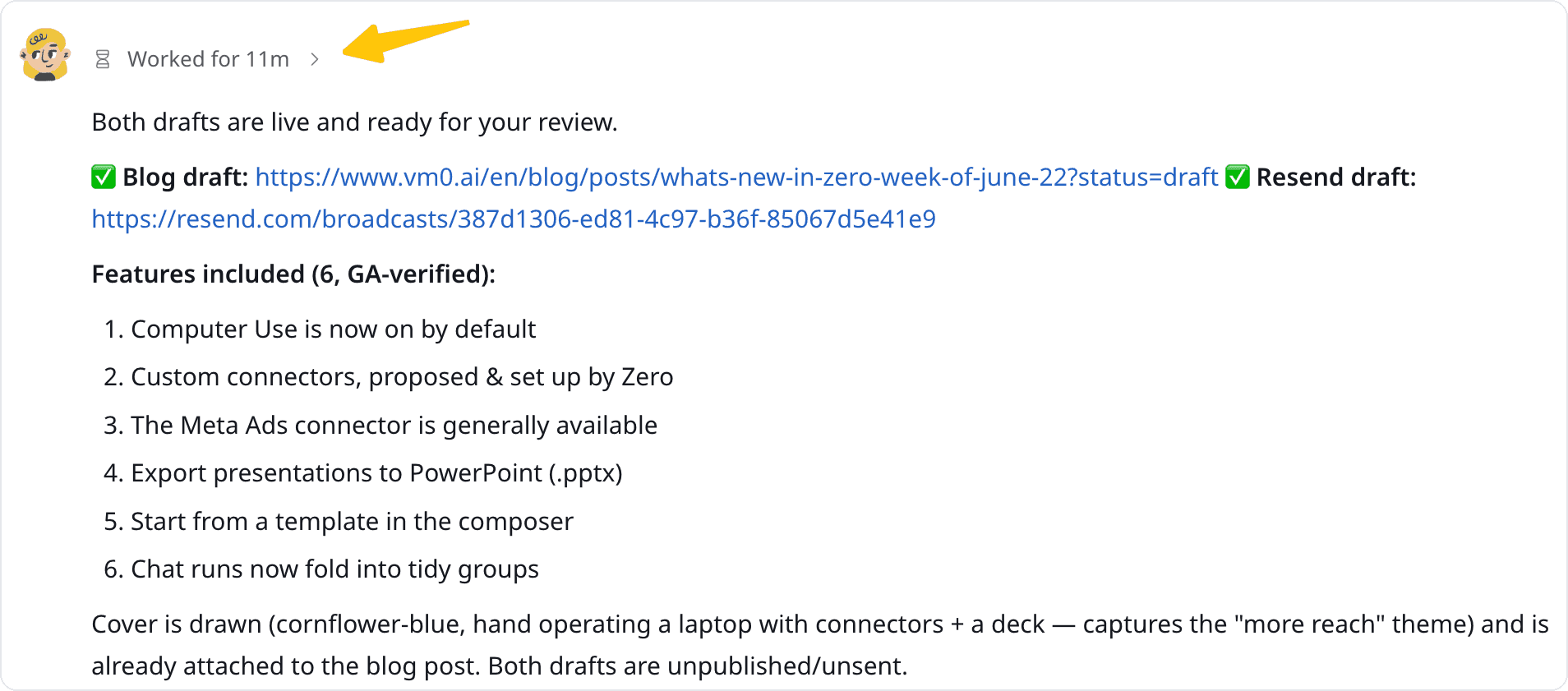
Long threads with lots of automated or multi-step runs are much easier to scan. Related runs now collapse into folded run-group sections — expand a group when you want the detail, and keep it folded when you don't.
From the blog this week
Two longer reads we also published this week:
From Prompt to Polished: Templates Are Live in Zero — A closer look at the templates behind this week's composer pickers: turn a prompt into a polished deck, video, or illustration faster, with reusable workflows your team can share.
The Forward Deployed Engineer, Amplified by AI — What a Forward Deployed Engineer actually does, why AI labs are hiring them, and what the role pays in 2026.
That's everything from us this week. Give them a try, and tell us what you'd like to see next.