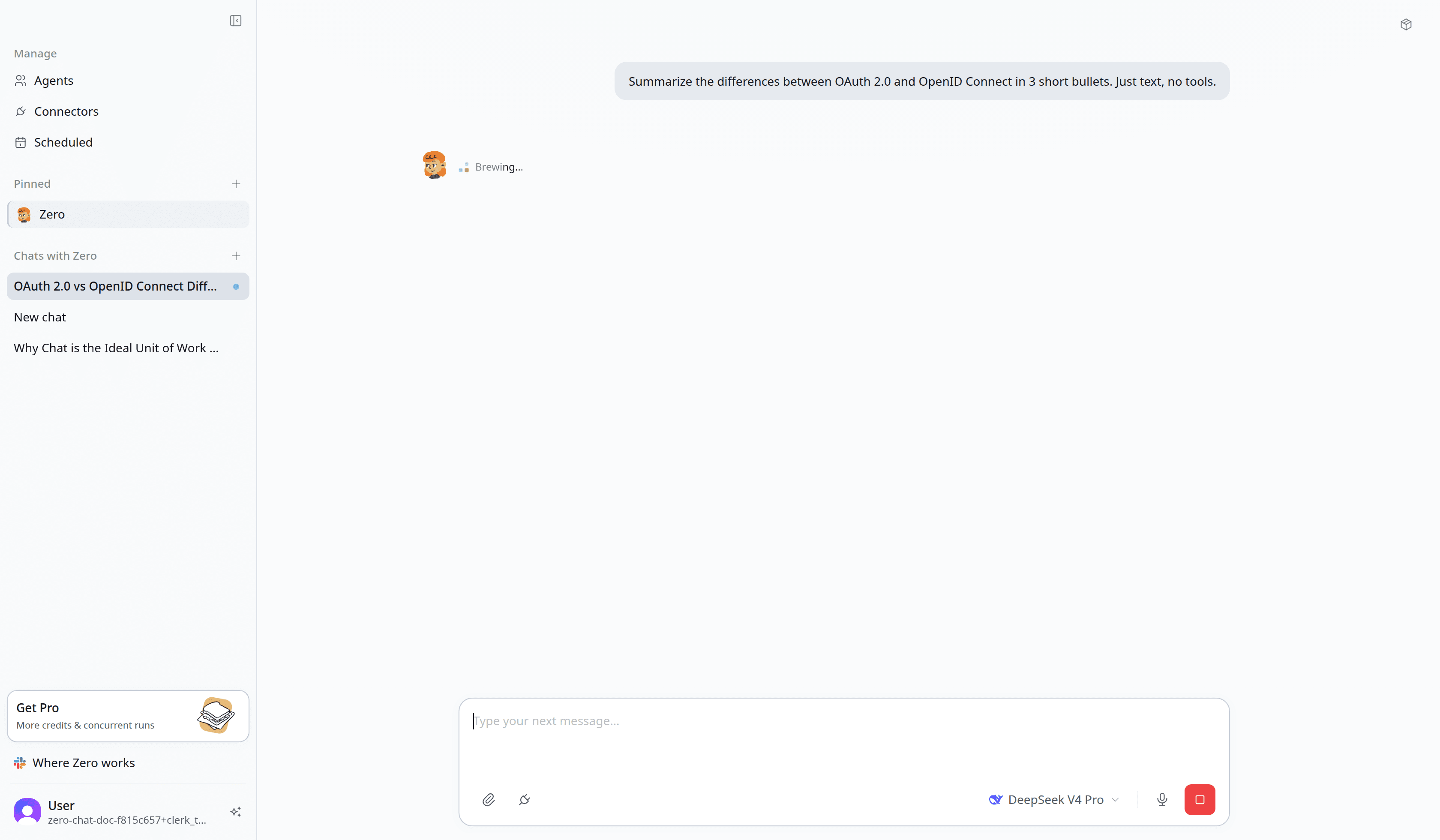
A chat is one run of Zero against one task. Every web chat conversation, every scheduled run, and every Slack @mention starts a chat. When the work finishes, the chat ends — its full log stays in your history.
If skills are what Zero does, and schedules are when, chats are what happened.
Why chats matter
Three properties make a chat the right unit of work:
- Chats are isolated. Two concurrent chats can't read each other's memory. A teammate's request doesn't leak into yours; a scheduled run doesn't pollute your conversation. Each chat starts with a fresh context window populated only by the inputs you (or the schedule) provided.
- Chats are auditable. Every tool call, every connector touch, every model response is logged to the chat. If Zero did something surprising, you can replay the exact sequence — including the prompts, the API calls, and the responses — and see where the decision was made.
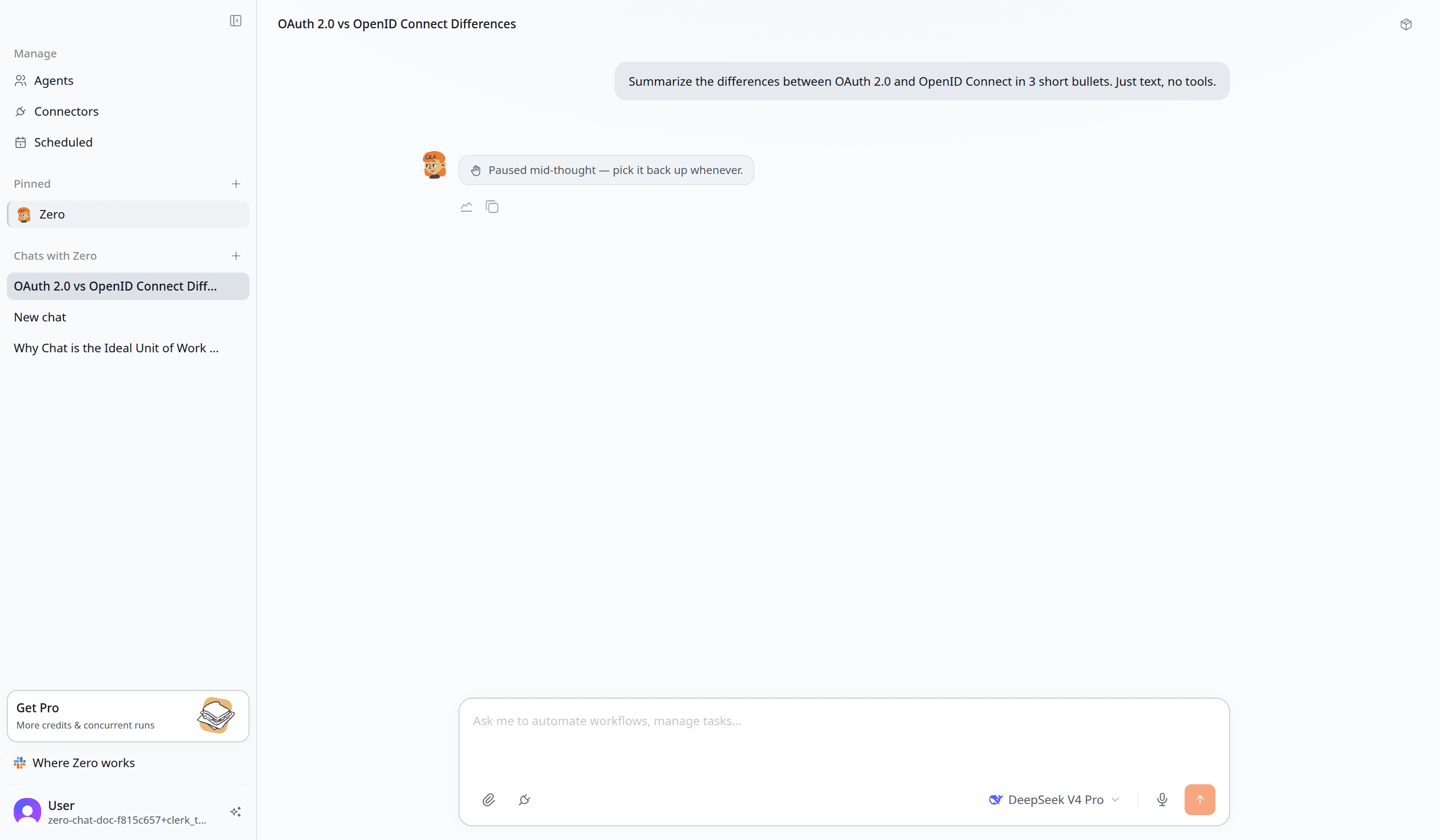
- Chats are interruptible. A chat in progress isn't a black box. You can stop it, give corrections mid-stream, or fork a new chat from any point.
How a chat starts
You don't create chats explicitly — they start whenever you contact Zero, whether from web chat, a Slack thread, or a scheduled run.
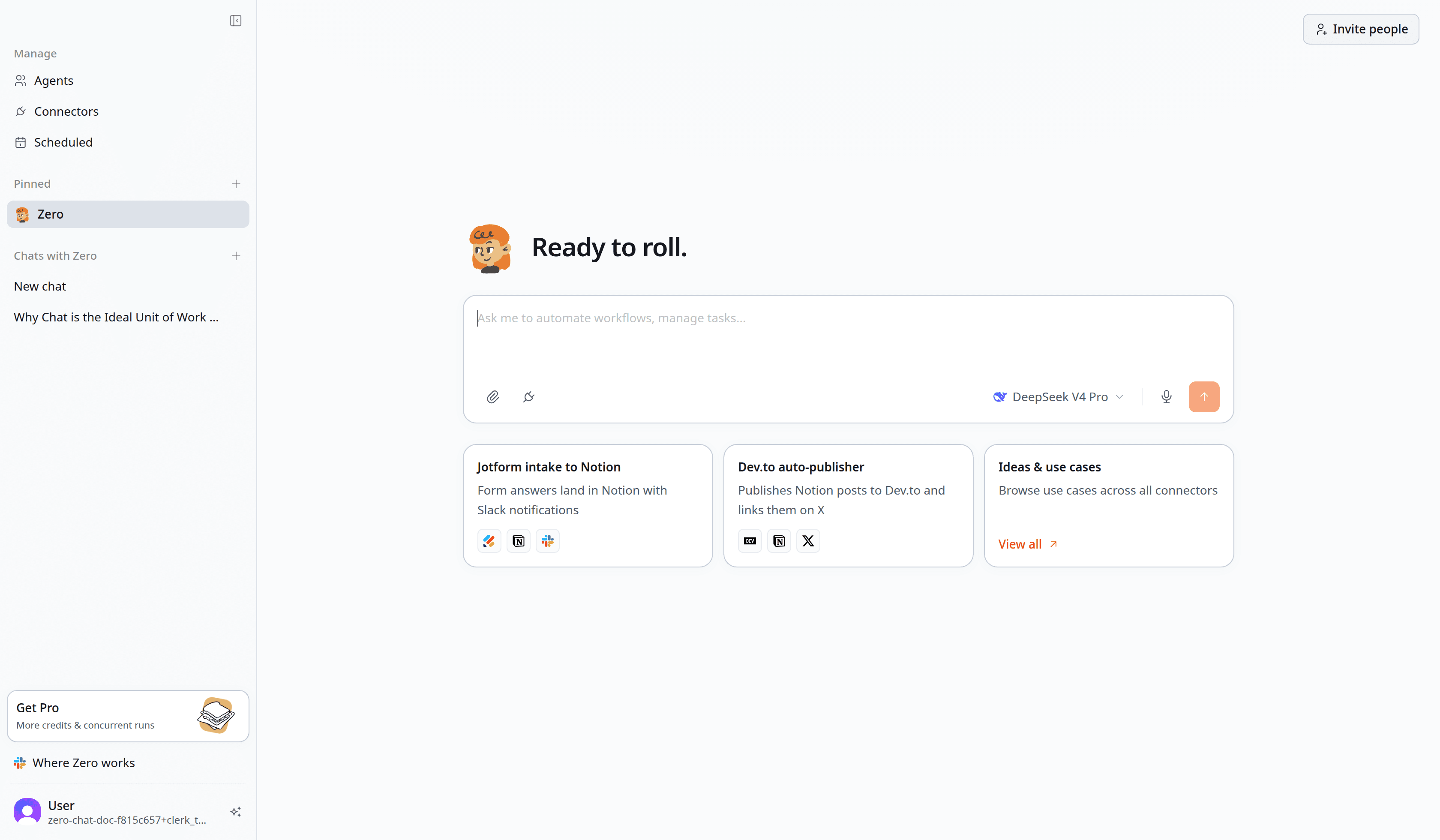
You can run several chats in parallel. Each one runs independently in Zero's cloud, so kicking off a long task doesn't tie up your machine or block the next one. Close your laptop and the work keeps going — come back later and collect the results. That's the practical difference from running an agent locally in something like Claude Code, where the work stops the moment your machine sleeps. Fire off a few in parallel, walk away, and pick up the output when you return.
Following up
To continue a chat, reply in the same place:
- Web chat — keep typing in the same conversation. Zero remembers everything from this chat: files you uploaded, tools it has called, conclusions it has drawn.
- Slack — reply in the same thread. Zero treats the thread as one chat.
- Scheduled runs — each run is its own chat; they don't share context across runs.
To start fresh, open a new conversation or a new Slack thread. The new chat has no memory of the old one.
The chat log
Every chat has a log icon just below the conversation. Tap it to open the full log, which shows:
- Inputs — the prompt, files, and context that started the chat
- Plan — Zero's outline of what it intends to do (when the task is non-trivial)
- Tool calls — each connector touch, with the API method, parameters, and response
- Model turns — the reasoning Zero used between tool calls (collapsible)
- Artifacts — what Zero produced, with download links if applicable
- Cost — credits spent, broken down by model inference, tool calls, and media generation
If you ever wonder "wait, how did it know that?" — the log has the answer. It's the same log shown to support if you ever need help.
When a chat goes wrong
The two most common chat failures:
- Ambiguous input. Zero asks a clarifying question and the chat pauses until you answer. Look for chats in the "Waiting for you" state.
- Connector denied. A connector token expired or a permission grant doesn't cover the action. Zero records the failure and DMs you with a one-click reauthorize link.
Chats that hit a hard wall (model outage, API down) are retried automatically up to three times before being marked failed. The log shows each attempt.
What's next
- See Permissions for what's enforced at the chat boundary.
- See Credits & billing for how chat cost is computed.
- See Schedules for the recurring-chat model.