By the end of this page, Zero will have done one useful thing for you — and you'll know how to ask it to do the next thing. Five minutes, 7-day free trial.
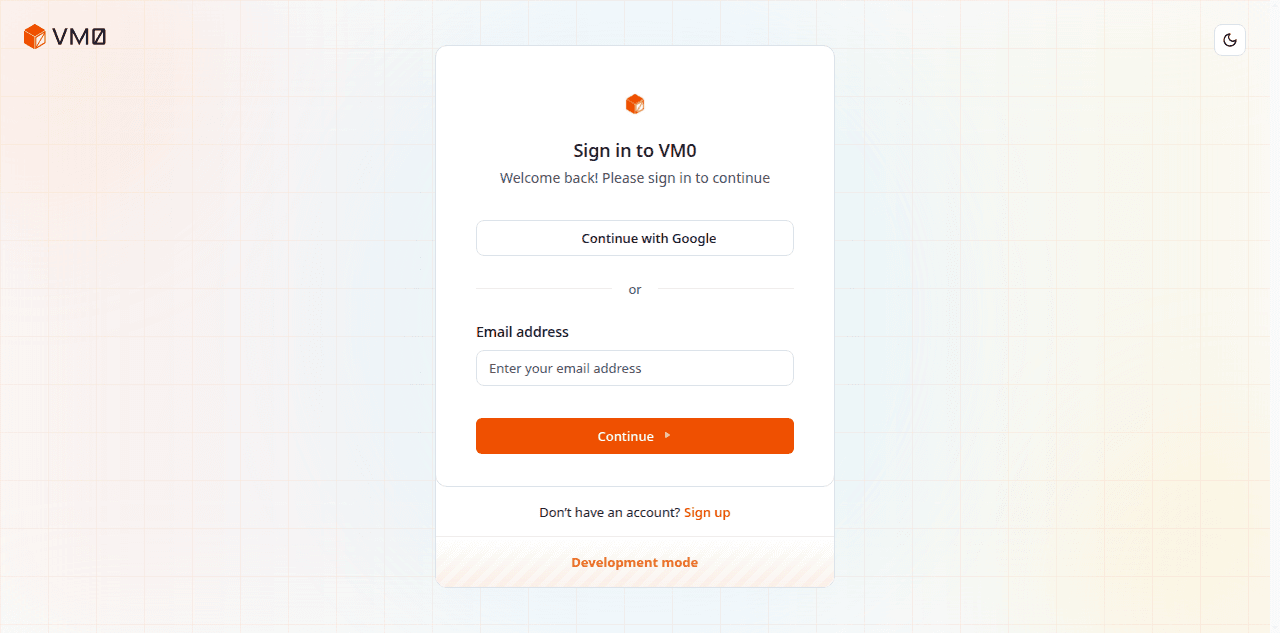
1. Sign in
Open vm0.ai and create an account with your work email. New workspaces come with starter credits — enough to set up a few workflows and run them for a week.
If you're joining an existing workspace, your admin will have already invited you. Sign in with the same email; the workspace will appear in the switcher in the top-left.
2. Send your first task
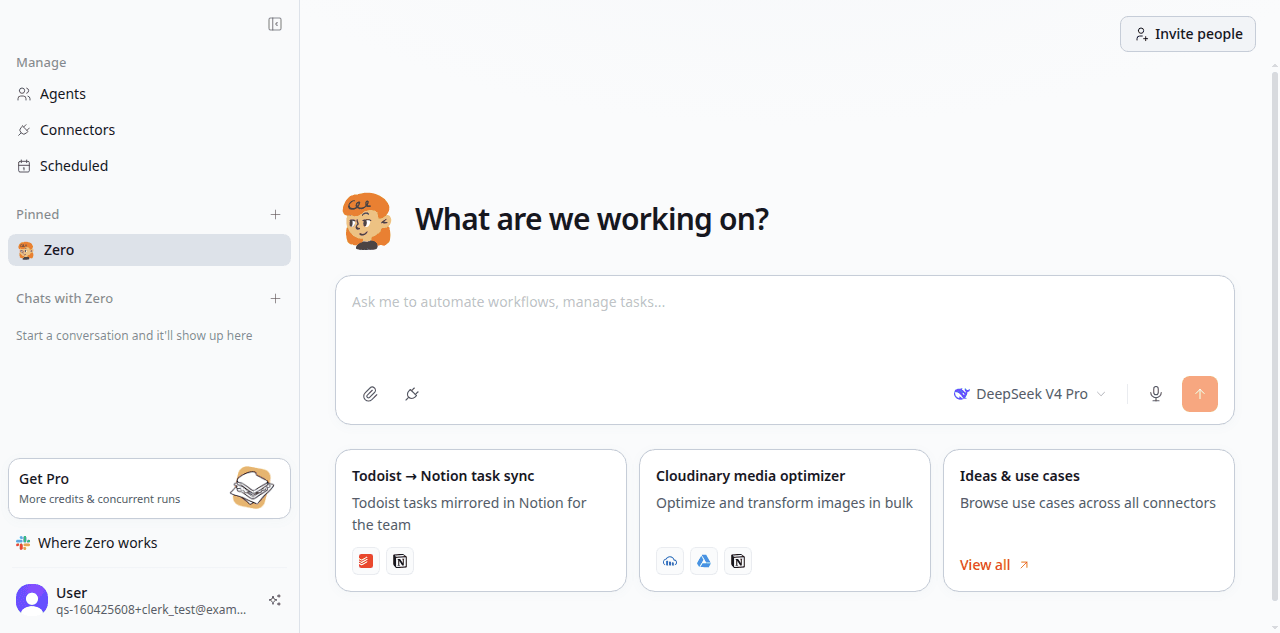
Open a new chat from the sidebar. Don't overthink the prompt — Zero handles plain language. Try one of these:
"Summarize my unread Slack messages and tell me what needs a reply today."
"Find the GitHub issues assigned to me, sort them by age, and list the top three."
"Draft a polite follow-up email to last Tuesday's meeting attendees confirming the next step."
Hit enter. Zero will start a chat — you'll see its plan, the tools it picks, and a live log of every step.
The first time you do this, the request might mention "no Slack connector" or "no Gmail connector." That's fine — it leads to step 3.
3. Authorize the tools Zero needs
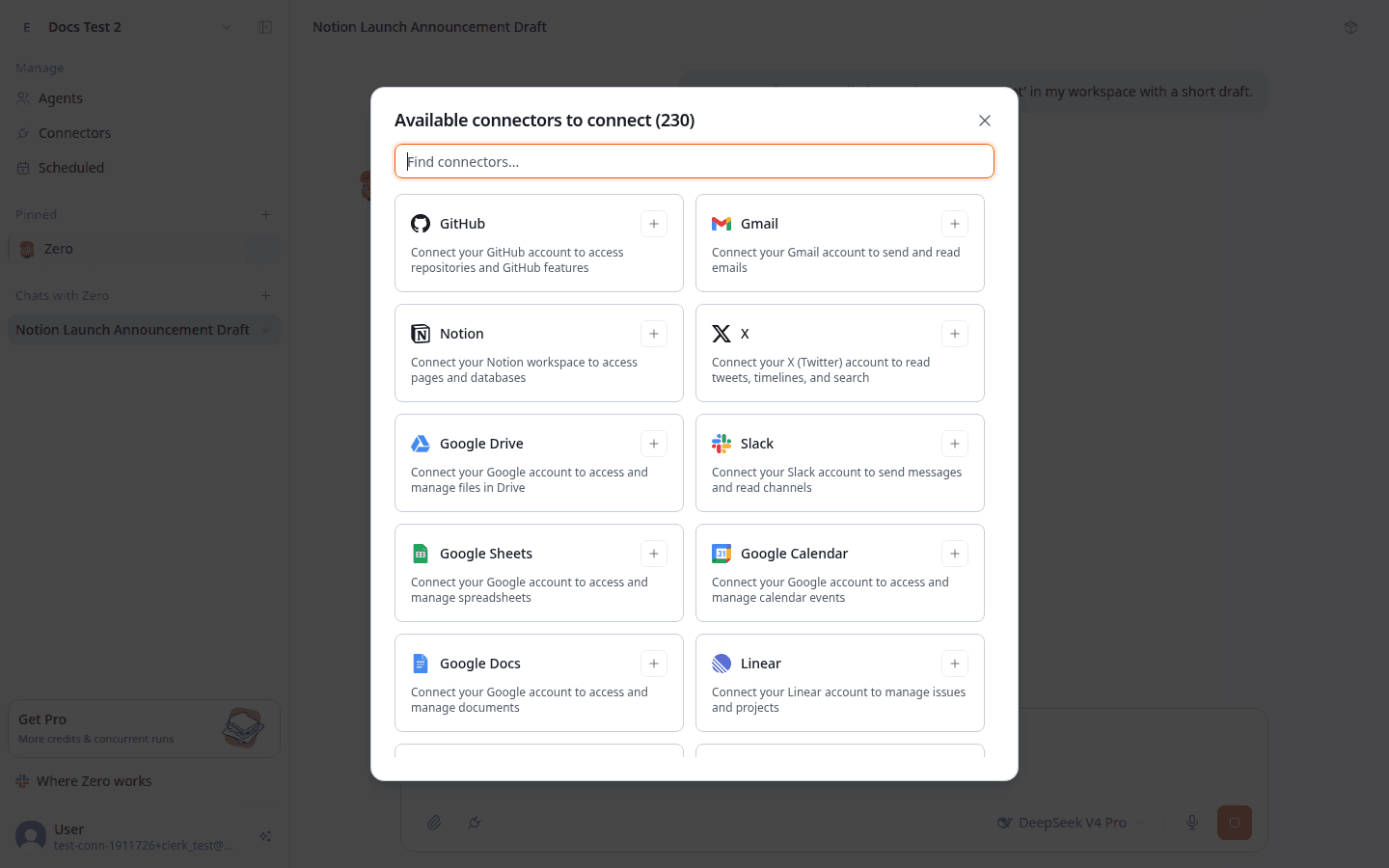
When Zero touches an external service for the first time, it pauses and asks for permission. From the chat composer, tap the Connectors button (or follow Zero's inline prompt) to open the connector picker. Pick the service you need — Zero supports 230+ tools out of the box.
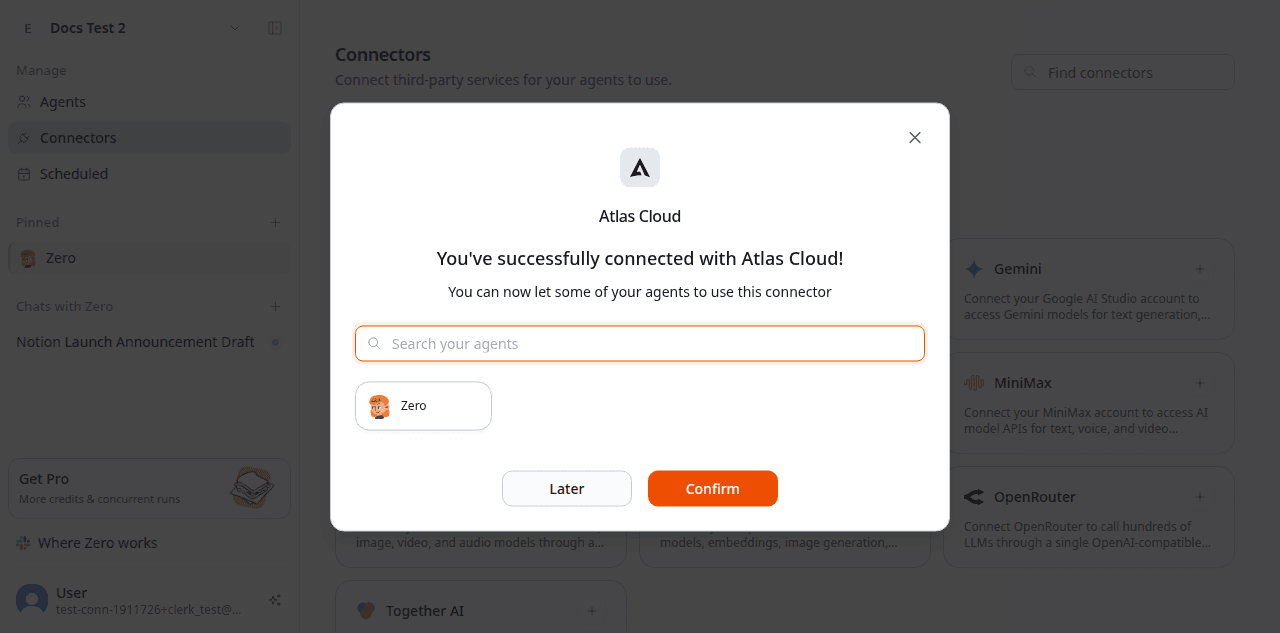
Finish the OAuth flow in the popup. If a connector was triggered inline by an agent, Zero grants that agent access automatically and resumes the task. If you opened the connector from the global Connectors page, Zero asks which agents should be allowed to use it. You only authorize each service once.
The most common starting connectors:
- Slack — read messages, post replies, find threads
- GitHub — search code and issues, file new issues, draft PR comments
- Gmail / Google Calendar — search inbox, draft replies, read your schedule
- Notion — read pages and databases, edit blocks
You don't have to authorize everything up front. Connect what you need, when you need it.
Zero never sees your passwords or login tokens — they stay on the VM0 platform. Every tool call shows up in the session log: which account, what it read, what it changed, when. You can revoke a connector or tighten its scope at any time. See Permissions for the full security model.
4. Read the result and iterate
Zero replies in the chat with whatever artifact your request produced: a summary, a list, a draft, a PR link. Below the artifact you'll see the run log — every API call, every doc read, every decision Zero made.
Three things you can do next, in the same conversation:
- Refine. Reply with a correction: "Same, but exclude messages from the #marketing channel," or "Make the email two sentences shorter and add a CTA at the end."
- Schedule. "Run this every weekday at 8 a.m. and DM me the result." Zero will confirm the cadence and the destination, and the task becomes a schedule.
- Save as a skill. "Turn this into a reusable skill called 'morning-brief'." Now anyone on your team can trigger the same workflow by name. See Skills.
What to try next
Once your first task works, the muscle memory clicks. Here are prompts that show Zero's range — pick any that match your day:
- "Triage open issues in
vm0-ai/vm0and group them by severity. Post the result to#eng-weekly." - "Read this customer email [paste] and draft a reply in Korean. Cite the docs section that applies."
- "Pull last week's signups from the analytics dashboard. Compare to the prior week. Write a one-paragraph summary."
- "Make a 5-slide pitch deck about our pricing model using the standard brand template."
- "Generate a 4-image social card set announcing the new Slack integration — square, brand colors, hand-drawn style."
- "Review PR #4422 for SQL injection risk. Skip style and naming. Reply on the PR with findings."
- "Brief me on [Company] before my 3 p.m. — funding, recent news, who at our company has talked to them."
Where to go next
- Skills — capture a workflow once, reuse it forever.
- Schedules — let Zero do the recurring work without you.
- Connector catalog — the full list of 100+ tools Zero can reach.